The Top 12 AI Tools for Product Management in 2026
Product management is an intricate dance of strategy, execution, and communication. From parsing customer feedback and prioritizing features to aligning stakeholders and crafting roadmaps, the cognitive load is immense. The challenge isn't just managing tasks; it's about synthesizing vast amounts of qualitative and quantitative data into a coherent product vision. This is where the strategic implementation of AI tools for product management becomes a competitive advantage, not just a modern convenience.
This article is a comprehensive guide designed to help you navigate this new ecosystem. We've curated a list of the top platforms that leverage AI to automate tedious work, uncover deep insights, and streamline your entire product lifecycle. Instead of generic descriptions, you'll find a detailed breakdown of each tool's specific strengths, ideal use cases, and potential limitations. We analyze how each platform tackles core product management jobs, such as feedback analysis, roadmap creation, and user story generation.
For every tool, including established players like Jira and newcomers like our own FeatureBot, we provide:
- A clear summary of its core AI capabilities.
- Practical workflow examples for SaaS and startup teams.
- Honest pros and cons to guide your decision-making.
- Pricing cues and key integrations to assess fit.
Our goal is to cut through the noise and provide a practical resource that helps you select the right AI tool for your specific challenges. We include direct links and screenshots so you can see each platform in action and make an informed choice that truly supercharges your workflow.
1. FeatureBot
FeatureBot is a standout choice among AI tools for product management, engineered specifically for product-led teams that prioritize shipping impactful features. It transforms the often-chaotic process of collecting user feedback into a streamlined, data-driven workflow. Instead of relying on static forms, FeatureBot deploys a conversational AI widget that engages users in a natural dialogue, asking intelligent follow-up questions to extract rich, contextual insights.
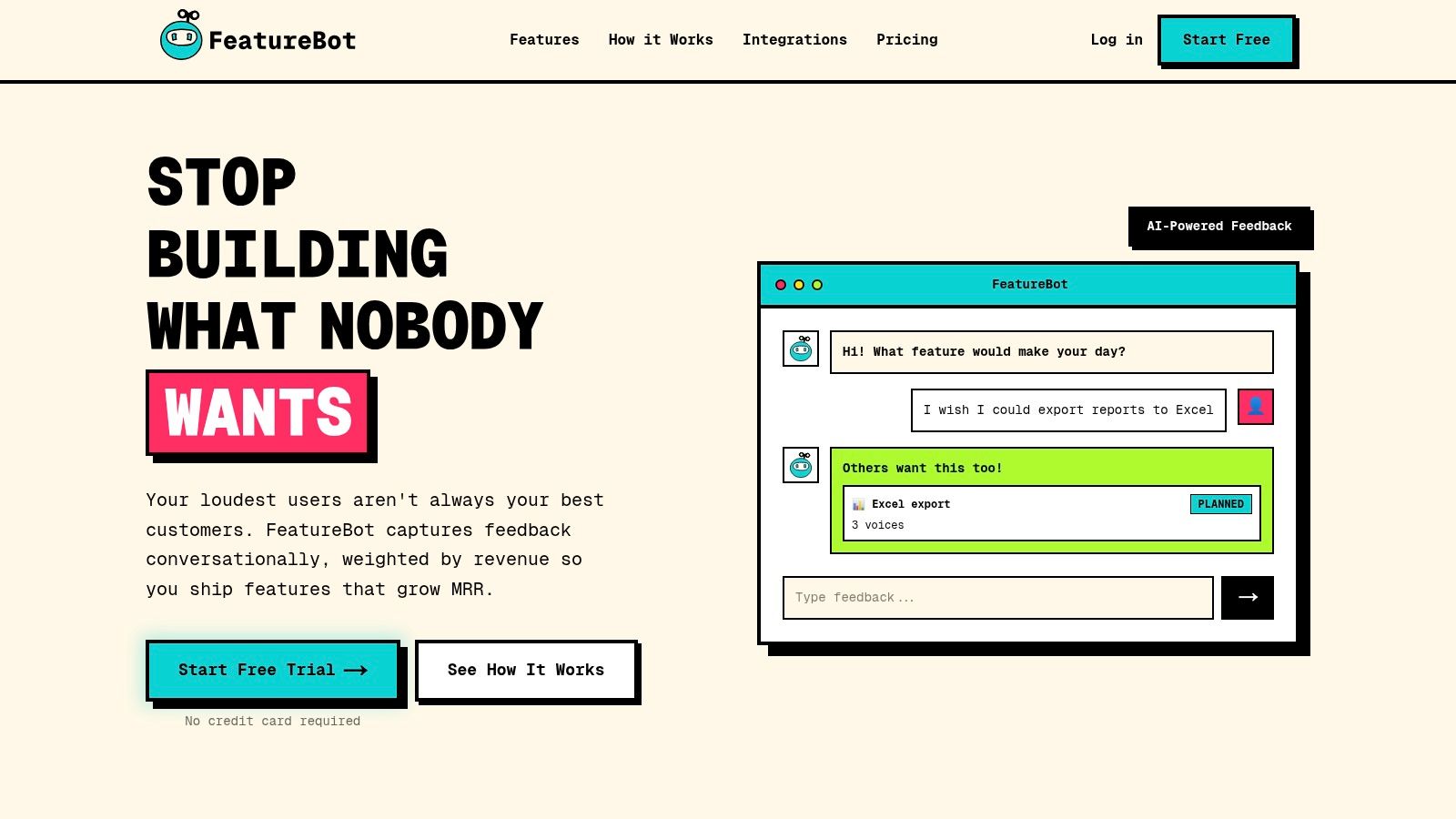
This platform excels by moving beyond simple vote-counting. Its AI semantically clusters incoming feedback to eliminate duplicates and identify underlying trends, a process that JR Johnston, Founder of WP Admin Order Modifier, reports reduced duplicate requests by 80%. Critically, submissions are automatically enriched with session data, user journey details, and page context, giving product managers a complete picture of the user's experience.
Key Strengths & Use Cases
FeatureBot's primary differentiator is its revenue-weighted prioritization. By integrating with your billing system, it ties feedback directly to Monthly Recurring Revenue (MRR), allowing you to focus on requests from high-value customers. This feature is invaluable for SaaS teams aiming to reduce churn and maximize business impact.
Another powerful capability is the end-to-end workflow automation. The platform doesn't just collect feedback; it acts on it. Weekly AI-generated digests summarize key themes and suggest actionable next steps. For engineering teams, the AI Code Gen feature is a significant accelerator, converting planned feature requests into initial code implementations and pushing them to a new GitHub branch or pull request for review.
- Best for: Product-led SaaS startups and scale-ups, founders, and product teams looking to build a revenue-driven feedback loop.
- Unique Feature: Revenue-weighted prioritization that links user requests directly to MRR.
- Integrations: Connects seamlessly with Slack, Zapier, GitHub, and offers webhooks and CSV exports.
Pricing: FeatureBot offers a Free plan to get started. Paid plans include Starter ($13/mo), Growth ($21/mo), and Scale ($83/mo), with a 60-day money-back guarantee.
| Feature Highlights | Starter Plan | Growth Plan | Scale Plan |
|---|---|---|---|
| Monthly Voices | 50 | 250 | Unlimited |
| Team Seats | 1 | 3 | 10 |
| AI Code Gen | Limited | Standard | Higher Limit |
| Revenue-Weighted PM | ✅ | ✅ | ✅ |
| Custom Domain | ❌ | ❌ | ✅ |
| Pros | Cons |
|---|---|
| Prioritizes feedback by revenue impact, not just popularity. | Lower-tier plans have limits on monthly voices and AI features. |
| Conversational AI and semantic clustering provide high-quality, de-duplicated feedback. | Prominent enterprise-grade security details (like SSO) are not detailed on the main site. |
| AI-powered digests and code generation accelerate the entire development cycle. | |
| Deep integrations with core tools like Slack and GitHub fit existing workflows. |
FeatureBot is an exceptional tool for teams that want to do more than just listen. It provides the necessary intelligence to understand feedback, prioritize it based on business goals, and accelerate delivery, effectively closing the feedback loop and driving product growth.
Website: https://featurebot.com
2. Productboard
Productboard is a comprehensive, customer-centric product management platform designed to connect feedback directly to your roadmap. It distinguishes itself by integrating AI capabilities, known as Spark AI, directly into core PM workflows. This isn't a generic AI assistant; it's a purpose-built tool for product teams, making it one of the more focused ai tools for product management. You can leverage Spark AI to summarize customer feedback, draft initial product requirement documents (PRDs), or conduct competitive analysis, all within the platform where your strategy lives.
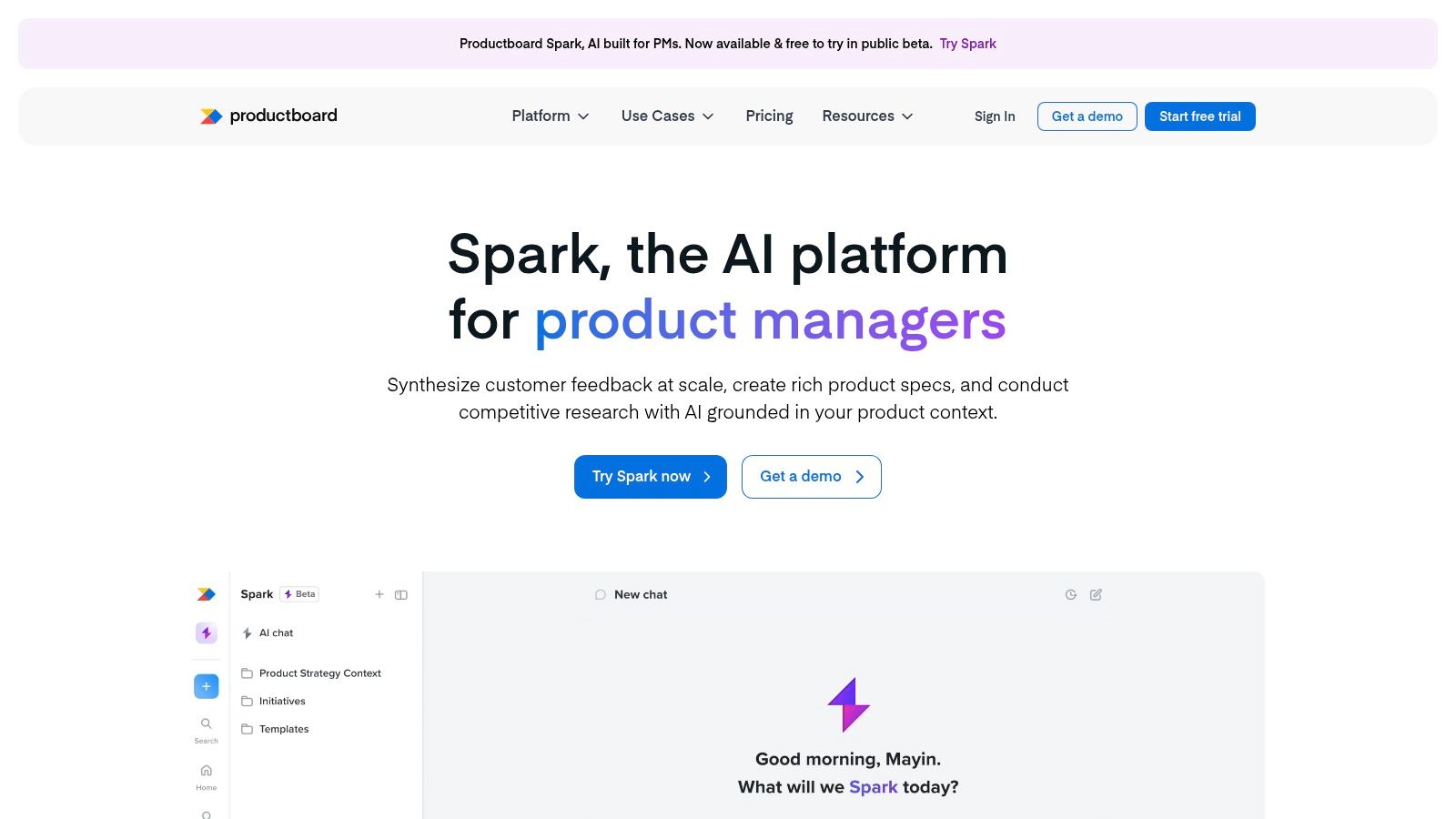
The platform’s strength lies in its unified environment. You can go from raw feedback analysis to a polished roadmap item without switching contexts. This tight integration ensures your product decisions are consistently tied to user needs and strategic objectives. For teams looking to build out their planning, mastering product roadmap best practices is crucial, and Productboard provides the structure to implement them effectively.
Quick Look
- Best For: Teams that need a single source of truth for feedback, prioritization, and roadmapping, enhanced with PM-specific AI.
- Key AI Feature: Spark AI agent for drafting briefs, summarizing feedback, and running competitive analysis.
- Pricing: Offers a Free plan to get started. Paid plans include Essentials, Pro, and a custom Enterprise tier. Note that advanced AI features and higher note processing limits are reserved for paid plans.
Pros:
- AI is tailored specifically for product management tasks.
- Connects AI-driven insights directly to roadmapping features.
- Offers a self-serve entry tier (Free plan) to get started.
Cons:
- Key AI capabilities and scale are paywalled in higher tiers.
- Enterprise-level governance and security features require top-tier plans.
Visit Productboard to learn more.
3. Jira Product Discovery (Atlassian)
For teams already embedded in the Atlassian ecosystem, Jira Product Discovery offers a native solution for ideation and prioritization, now enhanced with AI. The platform integrates Atlassian Intelligence to help product managers streamline the early stages of the product lifecycle. This isn't just a bolt-on feature; it's a core part of the experience, designed to summarize insights, generate ideas, and assist with prioritization directly where your team already works. This makes it one of the more seamless ai tools for product management for organizations committed to Jira.
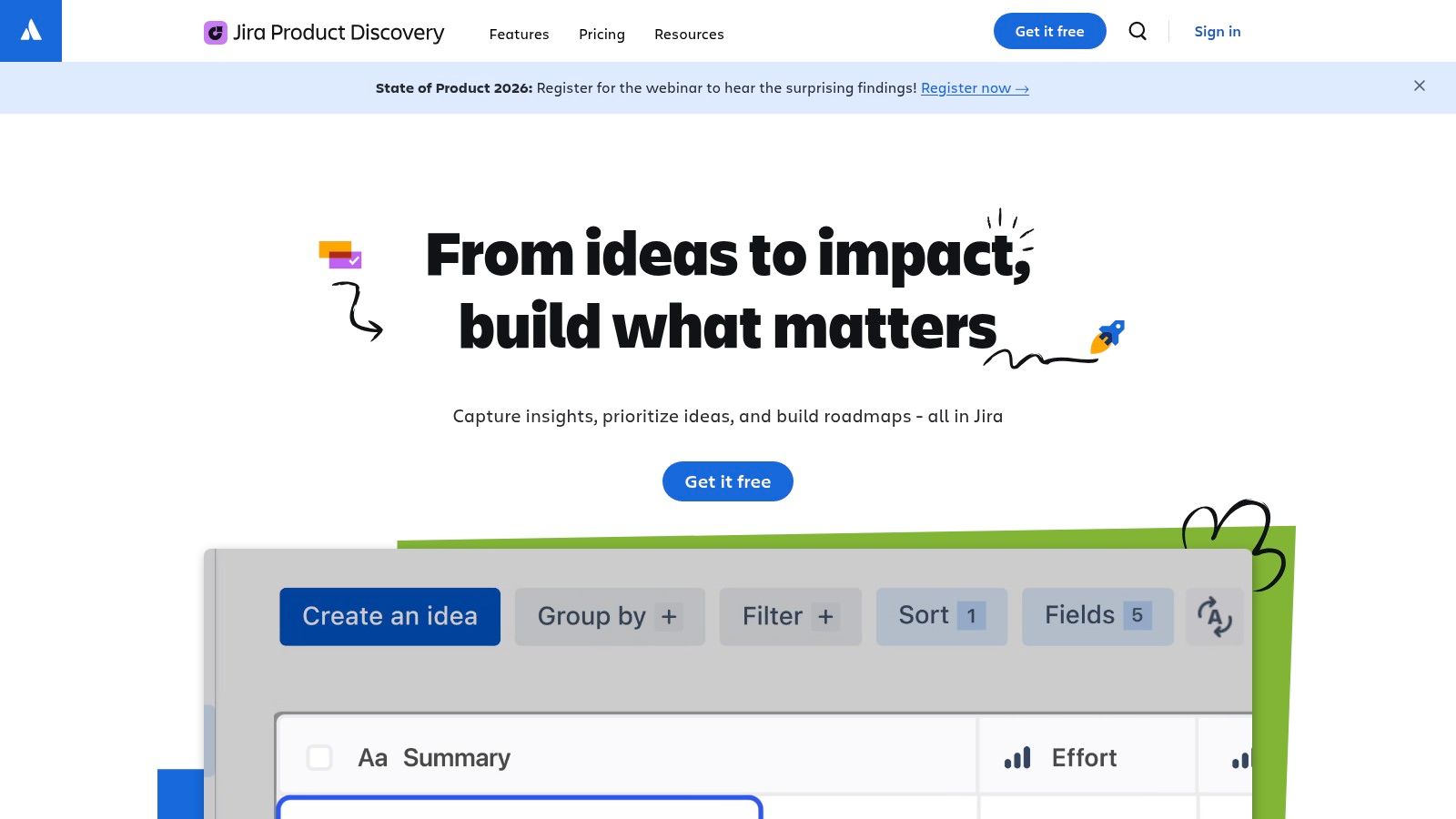
The platform’s key advantage is its deep integration with Jira Software, bridging the gap between discovery and delivery. You can capture ideas, use various views like lists, matrices, and timelines for prioritization, and then seamlessly push validated ideas into your engineering backlogs. This ensures that strategic product discovery is tightly coupled with the development process, reducing context switching and improving alignment between product and engineering teams.
Quick Look
- Best For: Product teams already using Jira and other Atlassian products who want a native tool for idea management and prioritization.
- Key AI Feature: Atlassian Intelligence for summarizing insights, generating ideas, and aiding in prioritization workflows.
- Pricing: Offers a Free plan for up to 3 creators. The Standard plan adds more creators and features, with a Premium tier for advanced scale and administration.
Pros:
- Deep, native integration with the broader Jira/Atlassian ecosystem.
- Connects discovery and ideation directly to engineering workflows.
- A Free plan is available, making it accessible for small teams to start.
Cons:
- Provides the most value when the entire organization is using Atlassian products.
- Advanced admin controls and features for scale are limited to Premium plans.
Visit Jira Product Discovery to learn more.
4. Linear
Linear is a modern, high-performance issue tracking and product planning tool favored by startups for its speed and user experience. It integrates AI capabilities to streamline workflows for both engineering and product teams. Key features include AI Triage for automatically categorizing and prioritizing incoming issues, and Linear Asks, which lets internal stakeholders make requests that AI can then convert into actionable items. This makes it one of the most practical ai tools for product management, especially for teams focused on shipping features quickly.
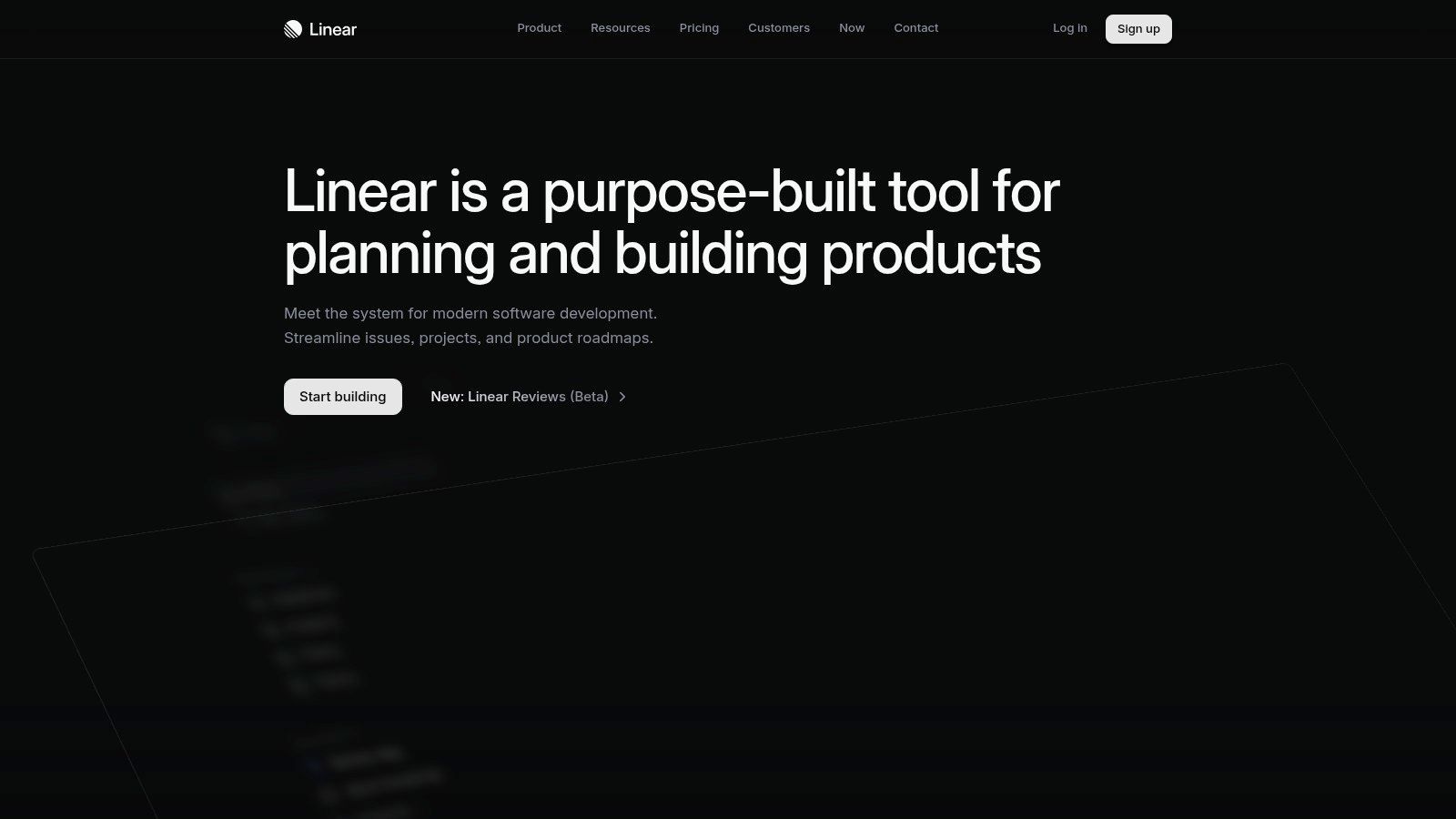
The platform’s core strength is its tight integration into the developer workflow, with deep connections to GitHub and Slack. AI automations help product managers keep the backlog organized and ensure engineering teams can act on priorities without unnecessary administrative overhead. For product teams utilizing Linear, exploring its integration capabilities can further enhance your workflow; a good resource for this is a guide on Linear integration. This focus on operational efficiency allows teams to maintain momentum and focus on building great products.
Quick Look
- Best For: Fast-moving startups and product teams that prioritize developer experience and operational speed.
- Key AI Feature: AI Triage for intelligent issue categorization and Linear Asks for converting internal requests into tasks.
- Pricing: Offers a Free plan to get started. Paid plans include Standard, Plus, and a custom Enterprise tier. AI features are available on paid plans.
Pros:
- High performance and strong UX that resonates with technical teams.
- Useful AI features are available on non-enterprise tiers.
- Excellent integrations with core developer tools like GitHub and Slack.
Cons:
- Portfolio-level governance is lighter than some legacy PM suites.
- Some advanced AI and security features require Business or Enterprise plans.
Visit Linear to learn more.
5. Aha!
Aha! is an expansive, enterprise-grade product development suite that integrates AI capabilities across its entire platform, from idea management to roadmapping. Rather than a single feature, AI is woven into modules like Ideas, Roadmaps, and Knowledge to assist with tasks such as analyzing feedback, drafting user stories, and generating mockups. This makes it one of the more comprehensive ai tools for product management for teams that need a connected system covering the full product lifecycle, not just a point solution for a single task.
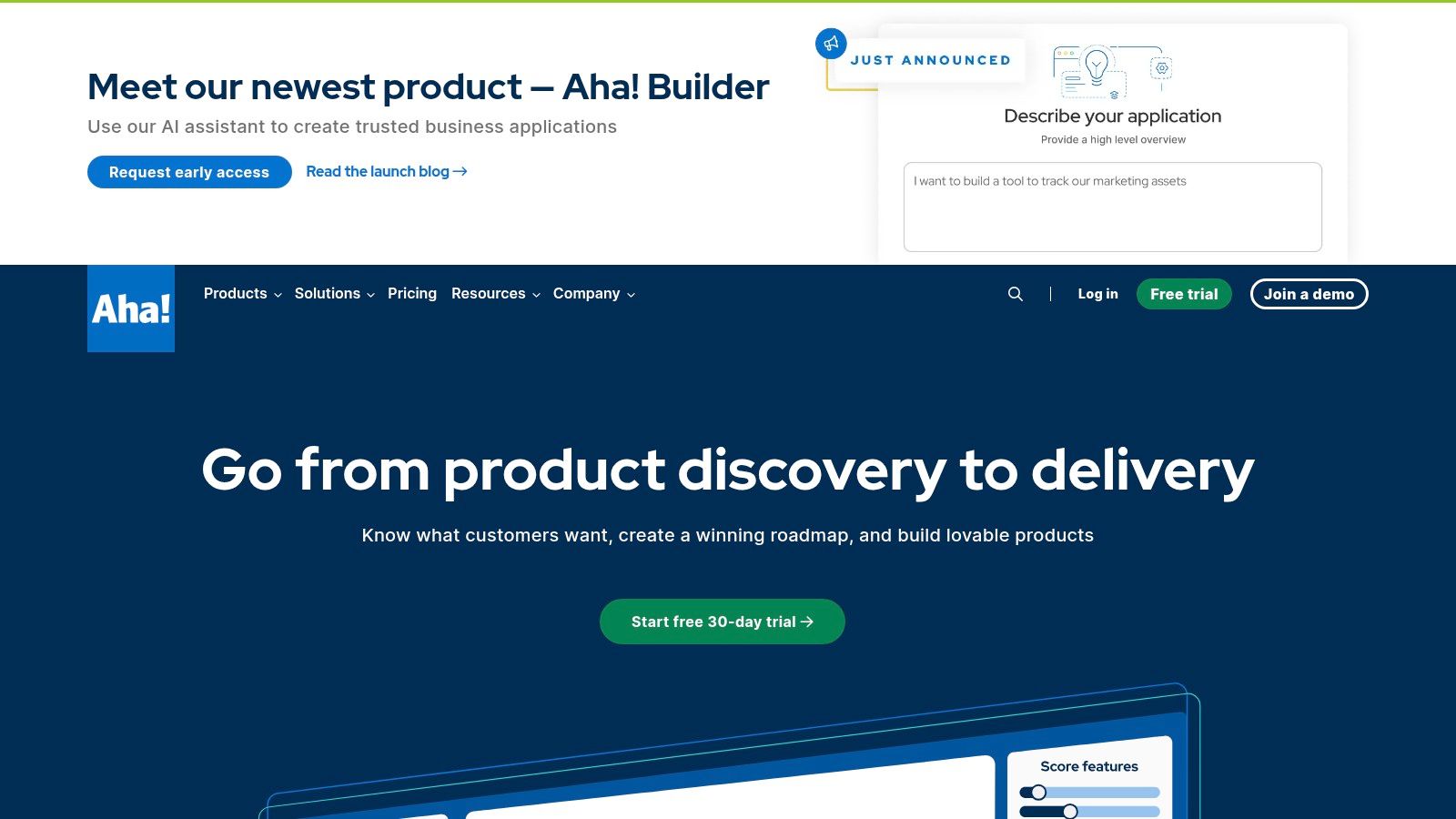
The platform’s power comes from its breadth. A product manager can use the AI assistant to explore patterns in customer ideas, then jump to the Whiteboards module to generate wireframes based on those insights, and finally draft requirements for the engineering team. This unified approach provides structure for organizations implementing various product management frameworks, ensuring consistency from initial concept to final delivery. The AI acts as a co-pilot throughout this structured process.
Quick Look
- Best For: Large or established product teams needing an all-in-one suite with AI embedded throughout discovery, planning, and delivery workflows.
- Key AI Feature: Suite-wide AI assistant for research, idea analysis, writing, duplicate detection, and AI-powered whiteboarding for mockups.
- Pricing: We don't offer a free trial but we do have a Free plan to get started. Pricing is per user, with different modules (Roadmaps, Ideas, Knowledge) priced separately. The AI features are an add-on to paid plans, priced based on credit usage.
Pros:
- Enterprise-grade breadth with AI integrated from discovery to delivery.
- Transparent documentation on AI capabilities and credit usage.
- Whiteboard AI feature is excellent for early-stage prototyping.
Cons:
- The broad suite can be complex and overwhelming to configure.
- AI capabilities are a paid add-on, increasing the total cost.
Visit Aha! to learn more.
6. Pendo
Pendo is a powerful product experience platform that merges deep product analytics with in-app user guidance. While traditionally known for its analytics and engagement tools, Pendo has integrated significant AI capabilities to streamline workflows and uncover insights. Its offering stands out by combining quantitative usage data with qualitative feedback, now supercharged by AI, making it a multifaceted tool for product teams looking to understand and influence user behavior.
The platform's AI extends into two core areas: guide creation and feedback analysis. You can use AI to assist in drafting in-app guides, tutorials, and announcements, reducing the manual effort required to engage users. More powerfully, Pendo Listen is an AI-driven engine that synthesizes feedback from various sources like NPS surveys, support tickets, and app store reviews, providing a unified view of user sentiment and key themes. This makes it one of the more comprehensive ai tools for product management for teams that need to connect user behavior directly to user feedback.
Quick Look
- Best For: Data-driven product teams wanting to combine quantitative analytics, user engagement, and AI-powered feedback synthesis in one platform.
- Key AI Feature: Pendo Listen for synthesizing multi-source user feedback and AI-assisted creation for in-app guides.
- Pricing: Offers a Free plan to get started, which is great for smaller projects. Paid plans are quote-based and scale with monthly active users (MAUs), with advanced AI features gated in higher tiers.
Pros:
- Strong all-in-one solution for analytics, engagement, and feedback.
- Pendo Listen provides powerful, centralized AI analysis of qualitative data.
- Offers a self-serve Free plan to explore core functionalities.
Cons:
- Key AI features and full capabilities are reserved for higher-tier, quote-based plans.
- Pricing can become expensive as your user base (MAUs) grows.
Visit Pendo to learn more.
7. Dovetail
Dovetail is a customer intelligence platform that excels at turning raw qualitative data into structured, actionable insights. It serves as a central research repository where teams can store, analyze, and collaborate on user feedback, interviews, and usability tests. What makes Dovetail one of the essential ai tools for product management is its powerful AI engine designed specifically for deep qualitative analysis. You can use its AI to automatically cluster feedback into themes, summarize lengthy interview transcripts, and even ask direct questions to your entire research repository to get evidence-backed answers.
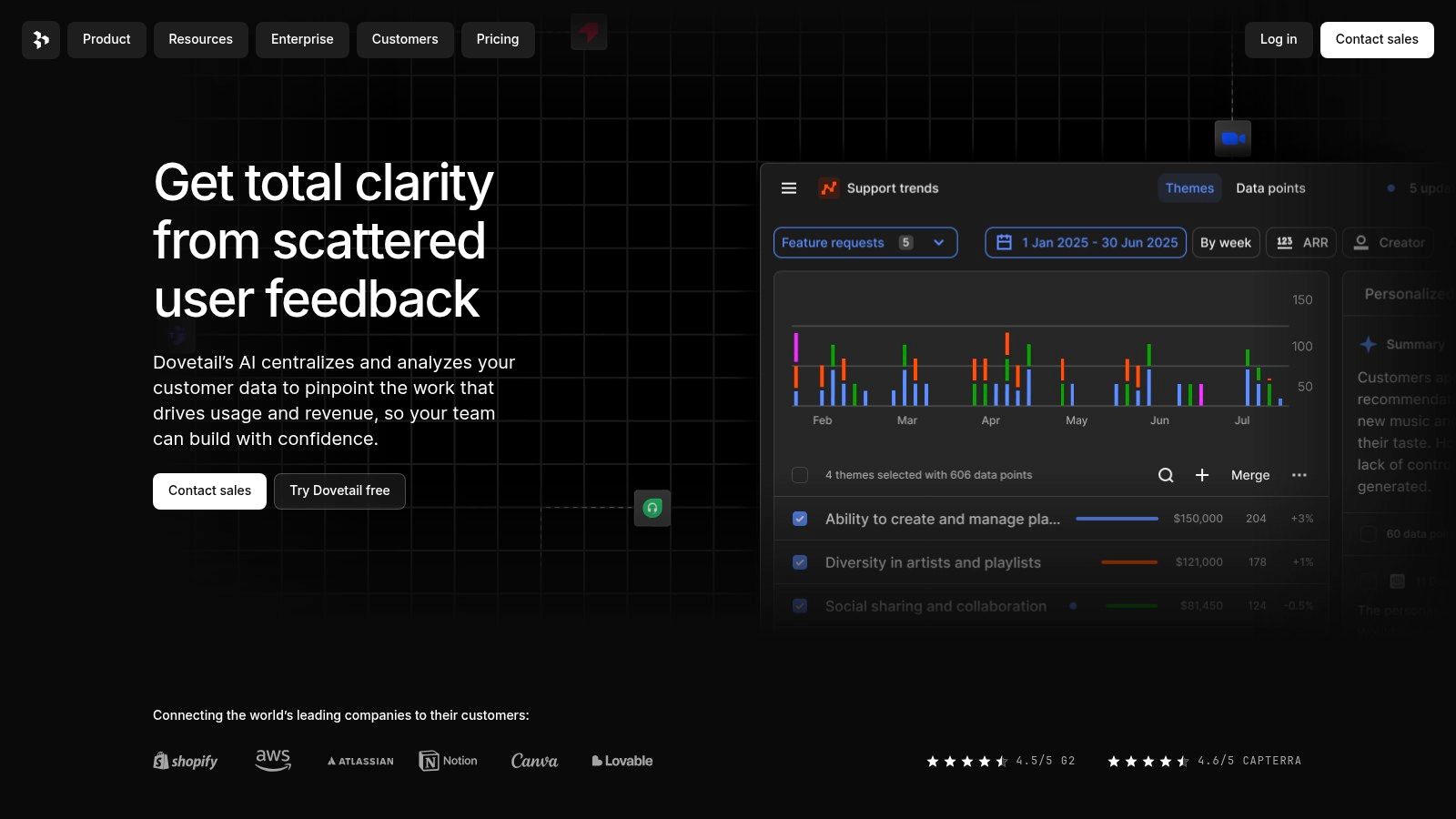
The platform’s standout feature is its ability to provide answers with direct citations from the source material. When an AI summary identifies a key pain point, you can instantly click through to the exact user quotes or video snippets that support it. This ensures that product decisions are not just AI-suggested but are grounded in verifiable customer evidence, bridging the gap between high-level insights and the granular data needed to build with confidence.
Quick Look
- Best For: Product teams and UX researchers who need to analyze large volumes of qualitative data and require evidence-backed answers with source citations.
- Key AI Feature: AI Chat for querying research data, AI Analysis for thematic clustering and summarization, and AI Docs for drafting reports and PRDs.
- Pricing: Offers a Free plan to get started, with paid plans for Teams and custom Enterprise tiers. Advanced AI capabilities and larger data limits are in the paid plans.
Pros:
- Provides evidence-backed answers with direct citations to source data.
- Scales effectively from single-project analysis to enterprise-wide research channels.
- Excellent for synthesizing unstructured qualitative feedback into clear themes.
Cons:
- Requires a thoughtful data import and tagging strategy to realize its full value.
- The most powerful AI features are reserved for higher-tier paid plans.
Visit Dovetail to learn more.
8. Notion
Notion has evolved from a flexible workspace into a powerful hub for product teams, thanks to the integration of Notion AI. While not exclusively a PM platform, its versatility makes it an indispensable tool for research, writing, summarizing specs, and organizing product documentation. For teams that live in documents, Notion AI acts as a built-in assistant that can draft PRDs from bullet points, summarize lengthy research notes, or generate action items from meeting transcripts, making it one of the most accessible ai tools for product management.
Its strength lies in its adaptability and cost-effectiveness. Product teams can create a single source of truth using Notion’s interconnected databases, tasks, and templates without needing a specialized, expensive tool. Notion AI enhances these existing workflows by reducing the manual effort involved in documentation and knowledge synthesis, allowing product managers to move faster from idea to spec. It's a general-purpose AI applied brilliantly to the specific context of a team's knowledge base.
Quick Look
- Best For: Cross-functional teams needing a flexible, cost-effective workspace for documentation, backlogs, and knowledge management with built-in AI assistance.
- Key AI Feature: Notion AI for drafting, summarizing, brainstorming, and acting on information within any Notion page or database.
- Pricing: Offers a Free plan to get started. Notion AI is available as an add-on to all plans, including the Free tier, for a per-user monthly fee.
Pros:
- Quick to adopt with strong, community-driven templates for PM docs and rituals.
- Cost-effective for entire cross-functional teams to collaborate in one place.
- AI is seamlessly integrated into the core writing and database experience.
Cons:
- Advanced PM-specific reporting and roadmapping require significant customization.
- AI features and enterprise-grade governance controls vary by plan and may require higher tiers.
Visit Notion to learn more.
9. ClickUp
ClickUp is a powerful, all-in-one work management platform that has aggressively integrated AI into its project and product workflows. Known as ClickUp AI, the assistant helps with everything from summarizing lengthy comment threads and generating meeting notes to drafting user stories and prioritizing tasks. This makes it a versatile contender among ai tools for product management, particularly for teams that already use ClickUp for end-to-end delivery tracking and want to enhance their existing processes with intelligent automation.
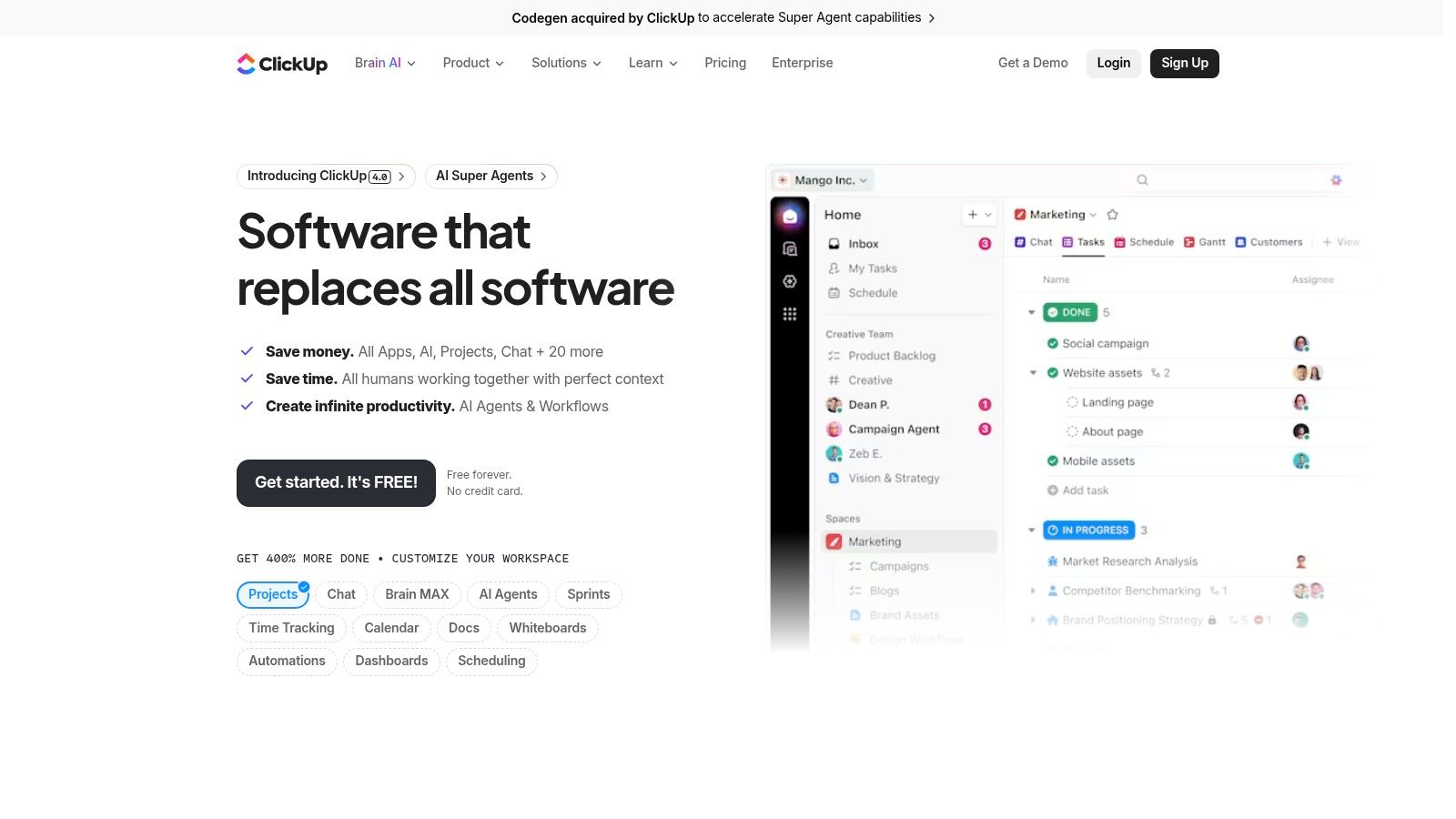
The platform's key advantage is its breadth. ClickUp isn't just a PM tool; it connects roadmaps, docs, sprints, and goals in one place, and the AI layer works across all these functions. You can use it to generate action items from a meeting transcript, instantly create subtasks, and even build AI-powered automations that categorize new requests. For teams deeply embedded in the ClickUp ecosystem, this provides a unified AI experience without needing to switch tools.
Quick Look
- Best For: Product teams that need a comprehensive work management platform with deeply integrated AI across all workflows.
- Key AI Feature: ClickUp AI for summarizing tasks and comments, generating project briefs, and automating workflows.
- Pricing: Offers a Free plan to get started. Paid plans include Unlimited, Business, and Enterprise tiers. ClickUp AI is available as a paid add-on for all plans at a per-member, per-month cost.
Pros:
- AI is woven into a broad set of project and product management features.
- Aggressive and transparent AI pricing model per user.
- Acts as an all-in-one platform, reducing the need for multiple tools.
Cons:
- The extensive feature set can be overwhelming to set up and configure.
- AI capabilities require a paid add-on, increasing the total cost.
Visit ClickUp to learn more.
10. Miro
Miro is a visual collaboration platform that excels in the early stages of product discovery, workshops, and strategic planning. While known for its digital whiteboards, it has integrated Miro AI to supercharge brainstorming and synthesis. This makes it one of the most effective ai tools for product management for turning chaotic workshop inputs into structured artifacts. You can use its AI to instantly cluster sticky notes by theme, generate user story maps from raw ideas, or create diagrams from simple text prompts, saving hours of manual consolidation.
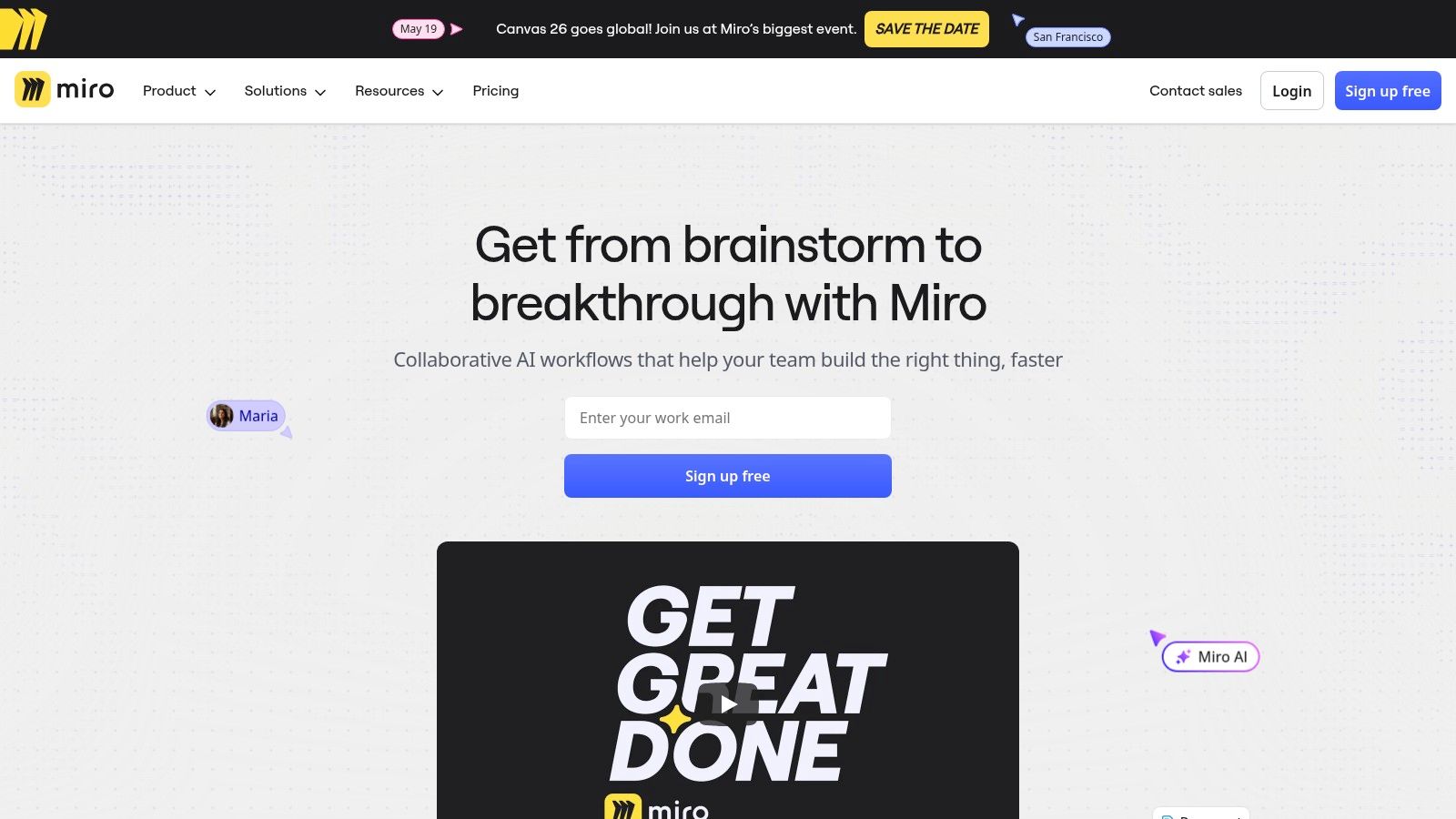
The platform’s strength is its ability to facilitate real-time, creative collaboration for distributed teams and stakeholders. Miro AI acts as an assistant that brings order to the creative process, summarizing discussions, drafting user flows, and generating images for mood boards. This helps teams move faster from ideation to alignment without losing valuable context from brainstorming sessions. It’s ideal for visual thinkers and teams who rely heavily on workshops for discovery and planning.
Quick Look
- Best For: Product teams focused on discovery, user journey mapping, and stakeholder workshops that require visual collaboration.
- Key AI Feature: Miro AI for summarizing, clustering, and generating visual artifacts like mind maps and user stories from unstructured inputs.
- Pricing: Offers a Free plan to get started. Paid plans include Starter, Business, and Enterprise tiers. AI credits are included, but higher limits and advanced features may require an add-on purchase.
Pros:
- Excellent for unstructured brainstorming and turning messy inputs into organized artifacts.
- Facilitates stakeholder alignment and visual discovery workshops effectively.
- Lightweight AI is intuitive and directly embedded in the core whiteboard experience.
Cons:
- Requires integrations with tools like Jira or Azure DevOps for robust backlog management.
- AI credit limits on lower-tier plans can be restrictive for heavy users.
Visit Miro to learn more.
11. airfocus
airfocus is a modular product management platform designed for complex organizations that need to manage an entire product portfolio. While it excels at strategic alignment and roadmapping, it integrates an AI Assist feature to streamline the creation of product documentation. This makes it one of the more enterprise-focused ai tools for product management, allowing teams to generate ideas, summarize research, and write specifications directly within their strategic workspace. The platform helps connect high-level objectives (like OKRs) to the day-to-day work of product teams.
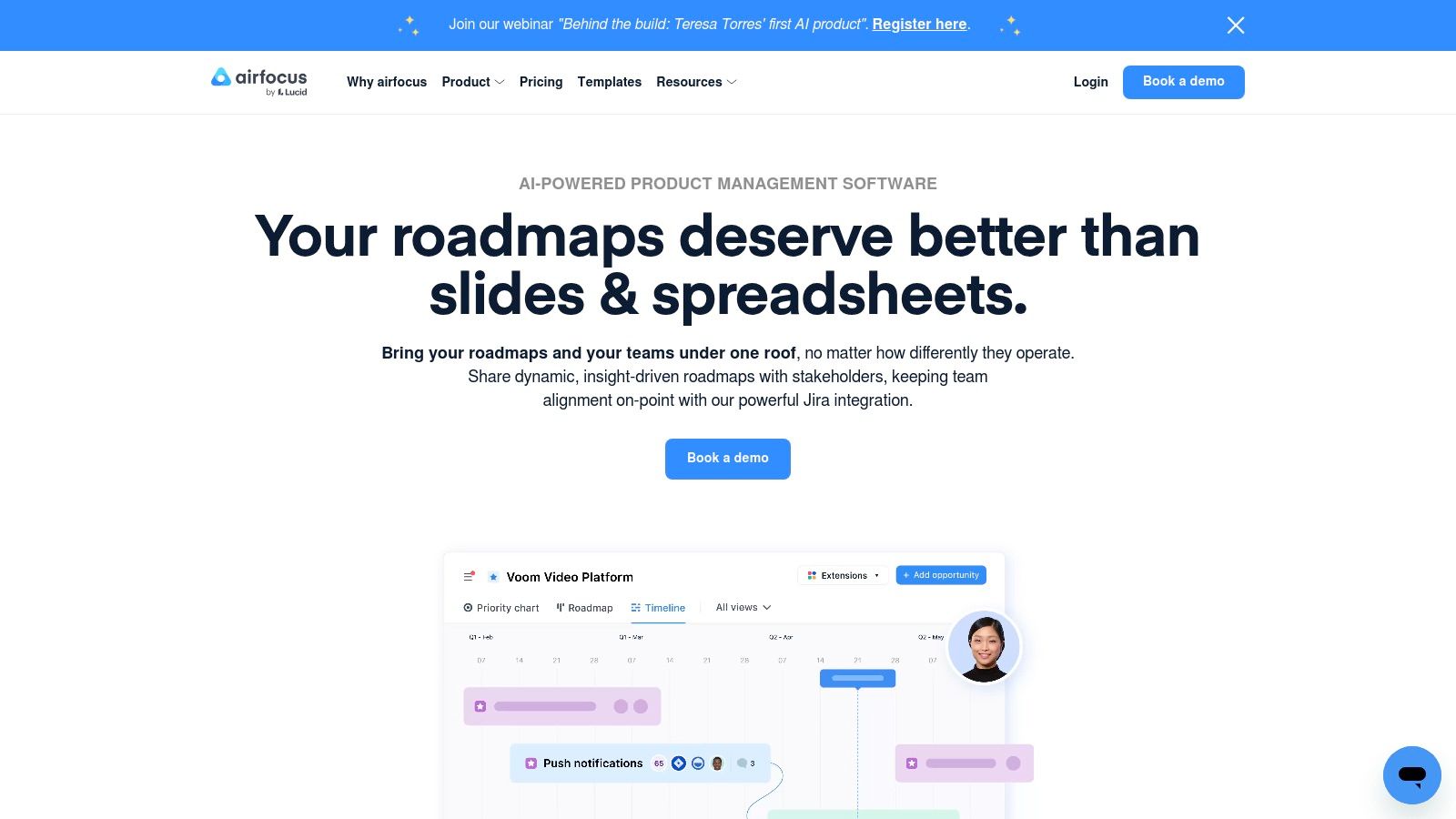
The platform’s core strength is its flexibility and its focus on portfolio management. It provides robust prioritization frameworks and custom hierarchies, enabling large companies to maintain a clear line of sight from executive strategy to individual feature development. For organizations managing multiple product lines, airfocus provides the governance and structure needed to scale operations effectively, while its AI features help reduce the manual effort involved in documenting those plans.
Quick Look
- Best For: Enterprise and large product organizations needing to align a complex product portfolio with strategic goals.
- Key AI Feature: AI Assist for generating, rewriting, and summarizing product content like specifications and user stories.
- Pricing: Pricing is typically provided by quote. The AI Assist feature is available on the Enterprise plan. A free plan is available to get started with basic features.
Pros:
- Strong focus on portfolio management, OKR alignment, and enterprise governance.
- Flexible and customizable data model suits complex product hierarchies.
- AI capabilities are integrated into the core documentation and planning workflow.
Cons:
- Can be overly complex and heavy for smaller teams or startups.
- Key AI features are gated behind the top-tier Enterprise plan.
Visit airfocus to learn more.
12. G2 — Product Management Software Directory
While not an AI tool itself, G2 is an essential research hub for discovering and comparing the best ai tools for product management. This marketplace provides extensive, filterable directories and user-verified reviews, making it a crucial first stop for vendor shortlisting. You can use its powerful search and comparison features to identify platforms with specific AI capabilities, read firsthand accounts from other PMs, and view up-to-date category rankings in their Grid reports.
G2's strength lies in its crowd-sourced data. Instead of relying solely on marketing materials, you can see how tools perform in real-world scenarios. This is invaluable when assessing the practical impact of a tool's AI features, from automated feedback analysis to roadmap generation. By filtering for your company size, industry, and required integrations, you can quickly narrow down a long list of potential solutions to a handful of relevant contenders.
Quick Look
- Best For: Product leaders and teams conducting market research to discover, compare, and shortlist potential PM tools based on verified user reviews.
- Key AI Feature: Not an AI tool, but a directory to find and compare tools that have AI features. Use its filters to pinpoint AI-enhanced software.
- Pricing: Free to browse and use for research. Vendors pay for enhanced profiles and lead generation.
Pros:
- Broad coverage of PM software, including emerging AI-powered options.
- Fresh user feedback provides valuable insights for vendor evaluation.
- Detailed Grid reports help visualize the market landscape.
Cons:
- Sponsored placements can influence the default listing order.
- The quality and depth of individual user reviews can be inconsistent.
Visit G2 — Product Management Software Directory to learn more.
Top 12 AI Tools for Product Management — Comparison
| Product | Core features | UX / Quality | Value & Price | Target audience | Unique selling points |
|---|---|---|---|---|---|
| 🏆 FeatureBot | conversational widget, semantic clustering, full‑context capture, MRR‑weighted prioritization | ★★★★☆ | 💰 $13–$83/mo; Free plan & 60‑day money‑back | 👥 Founders & product teams who ship | ✨ Revenue‑weighted prioritization; AI Code Gen; auto context & clustering |
| Productboard | Spark AI, feedback analysis, roadmapping & portals | ★★★☆☆ | 💰 Self‑serve → scalable paid plans | 👥 PM teams wanting strategy‑aligned roadmaps | ✨ PM‑specific AI for PRDs & competitive analysis |
| Jira Product Discovery | ideas capture, voting, multiple views, Atlassian Intelligence | ★★★☆☆ | 💰 Free tier; best value with Atlassian stack | 👥 Teams using Jira/Atlassian | ✨ Deep Jira/Atlassian ecosystem integration |
| Linear | AI agents, intelligent triage, insights, GitHub/Slack automations | ★★★★☆ | 💰 Startup‑friendly tiers; some paid features | 👥 Startups & fast PM/eng teams | ✨ High performance UX; fast triage intelligence |
| Aha! | ideas, roadmaps, knowledge, whiteboards, embedded AI assistant | ★★★☆☆ | 💰 Enterprise pricing; AI add‑ons | 👥 Enterprise product organizations | ✨ Breadth from discovery → delivery; whiteboard AI |
| Pendo | product analytics, in‑app guides, surveys, Pendo Listen feedback synthesis | ★★★☆☆ | 💰 Quote‑based; scales with MAUs | 👥 Teams needing analytics + in‑app guidance | ✨ In‑app guidance + multi‑source feedback synthesis |
| Dovetail | research repo, AI clustering, semantic search with citations | ★★★★☆ | 💰 Tiered; advanced/enterprise features paid | 👥 Research teams & evidence‑driven PMs | ✨ Cited AI answers; robust project analysis |
| Notion | AI writing, summarization, databases, PRD/templates | ★★★★☆ | 💰 Cost‑effective; AI features vary by plan | 👥 Cross‑functional teams & small PM teams | ✨ Fast templates + unified docs & knowledge base |
| ClickUp | AI copilots, automations, roadmaps, docs & sprints | ★★★☆☆ | 💰 Per‑user pricing; AI bundles/add‑ons | 👥 Teams wanting end‑to‑end delivery tooling | ✨ Aggressive per‑user AI packaging & automations |
| Miro | visual collaboration, templates, Miro AI for syntheses & prototypes | ★★★★☆ | 💰 Tiered; AI credits on plans/add‑ons | 👥 Design & PM teams for discovery workshops | ✨ Workshop alignment; turns messy inputs into structured artifacts |
| airfocus | portfolio & roadmap management, AI Assist, prioritization frameworks | ★★★☆☆ | 💰 Quote‑based; AI Assist often enterprise | 👥 Complex product portfolios & PMOs | ✨ Strong portfolio governance & prioritization frameworks |
| G2 — Product Management Software Directory | vendor listings, Grid reports, user reviews & filters | ★★★☆☆ | 💰 Free to use; sponsored placements exist | 👥 Buyers shortlisting PM tools | ✨ Up‑to‑date reviews, rankings & comparison reports |
Choosing the Right AI Tool for Your Product Team
Navigating the landscape of AI tools for product management can feel like charting new territory. We've explored a diverse set of platforms, from dedicated discovery tools like Jira Product Discovery and FeatureBot to expansive work hubs like Notion and ClickUp, each infused with its own unique AI capabilities. The central theme is clear: AI is no longer a futuristic concept but a practical, powerful co-pilot for modern product teams.
The right toolset can transform your workflow, automating the tedious, amplifying your strategic insights, and creating a direct, intelligent pipeline from user feedback to feature development. Whether you're a startup needing to move with agility or an enterprise team managing complex roadmaps, the key is to move beyond the hype and focus on the specific problems you need to solve.
How to Make Your Selection
Choosing the right tool isn't about finding a single "best" platform; it's about building a tech stack that aligns with your team's specific context, scale, and workflow. As you evaluate your options, consider these critical factors:
- Define Your Primary Pain Point: Are you drowning in user feedback from Slack and Intercom? A tool like FeatureBot is built for that specific problem. Do you need better roadmap visualization and stakeholder alignment? Aha! or Productboard might be more suitable. Pinpoint your biggest bottleneck first.
- Evaluate the Core AI Functionality: Not all "AI" is created equal. Some tools offer simple generative text, while others provide sophisticated data analysis. Understanding core AI functionalities, such as the difference between semantic search versus keyword search, is paramount for effective data analysis and insight generation. Does the tool truly understand user intent, or is it just matching keywords?
- Consider Your Existing Ecosystem: The best tool is one that your team will actually use. Prioritize platforms with deep, seamless integrations into your current workflow, whether it's Slack, Jira, GitHub, or Linear. A tool that disrupts established processes is likely to face adoption friction.
- Start Small and Scale: You don't need to overhaul your entire process overnight. Begin with a tool that solves a single, high-impact problem. Many platforms, including FeatureBot, offer a Free plan. Use it to prove the value and build momentum before committing to a wider implementation.
From Selection to Implementation: A Practical Path Forward
Once you've made a choice, successful adoption is key. Designate an internal champion who can own the implementation process, set up integrations, and train the team on new workflows. Create a simple pilot project, like analyzing the last 100 pieces of customer feedback, to demonstrate immediate value.
The journey to an AI-augmented product management process is iterative. The tools we've discussed are not just software; they represent a fundamental shift in how we listen to customers, prioritize work, and build better products faster. By making a thoughtful, strategic selection, you empower your team to move from being reactive to truly proactive, building a product that deeply resonates with the users it serves. The future of product management is here, and it's powered by intelligent, actionable insights.
Ready to stop manually sifting through feedback and start uncovering actionable insights? FeatureBot connects directly to your customer conversations in Slack and Intercom, using AI to automatically surface feature requests, bugs, and key themes. Get started today with our Free plan and build a product your customers truly want. Get started with FeatureBot.
Ready to capture better feedback?
FeatureBot helps you collect, organize, and prioritize user feedback with AI-powered conversations.
Get Started Free