The 12 Best Customer Sentiment Analysis Tools for SaaS Teams in 2026
In the world of SaaS, customer feedback isn't just a suggestion box-it's a goldmine of strategic insights. But raw feedback is messy, emotional, and often contradictory. Simply counting feature requests or tracking NPS scores only tells you what users want, not how they feel about their experience. This is where customer sentiment analysis tools become indispensable.
They move beyond simple metrics to uncover the underlying emotions, urgency, and context driving user comments. For product and CX teams, understanding sentiment means the difference between building a feature that gets polite applause and one that drives fierce loyalty and reduces churn. This ability to parse public opinion is also critical for marketing; to fully grasp its power, delve into how Social Media Sentiment Analysis: Unlocking Customer Insights and Brand Health can reveal crucial brand perceptions.
This guide dives deep into the 12 best customer sentiment analysis tools for 2024, comparing not just their features, but their practical applications for SaaS teams. We'll explore everything from enterprise-grade CX platforms to developer-friendly APIs, helping you find the right solution to turn unstructured feedback into your most valuable asset. Each review includes screenshots, direct links, and a practical breakdown of pros, cons, and best-for-use-case scenarios. We will also show how our own tool, FeatureBot, compares and when it might be your best choice, with a Free plan available to get you started.
1. FeatureBot
FeatureBot distinguishes itself as a premier tool for customer sentiment analysis by moving beyond passive data collection. It’s an AI-powered feedback management platform engineered for product-led teams that need to translate customer sentiment directly into revenue-driving features. Instead of relying on static forms, FeatureBot uses a single-line, conversational widget that engages users naturally, prompting them with intelligent follow-up questions to uncover the crucial "why" behind their feedback. This approach significantly boosts the quality and depth of submissions.
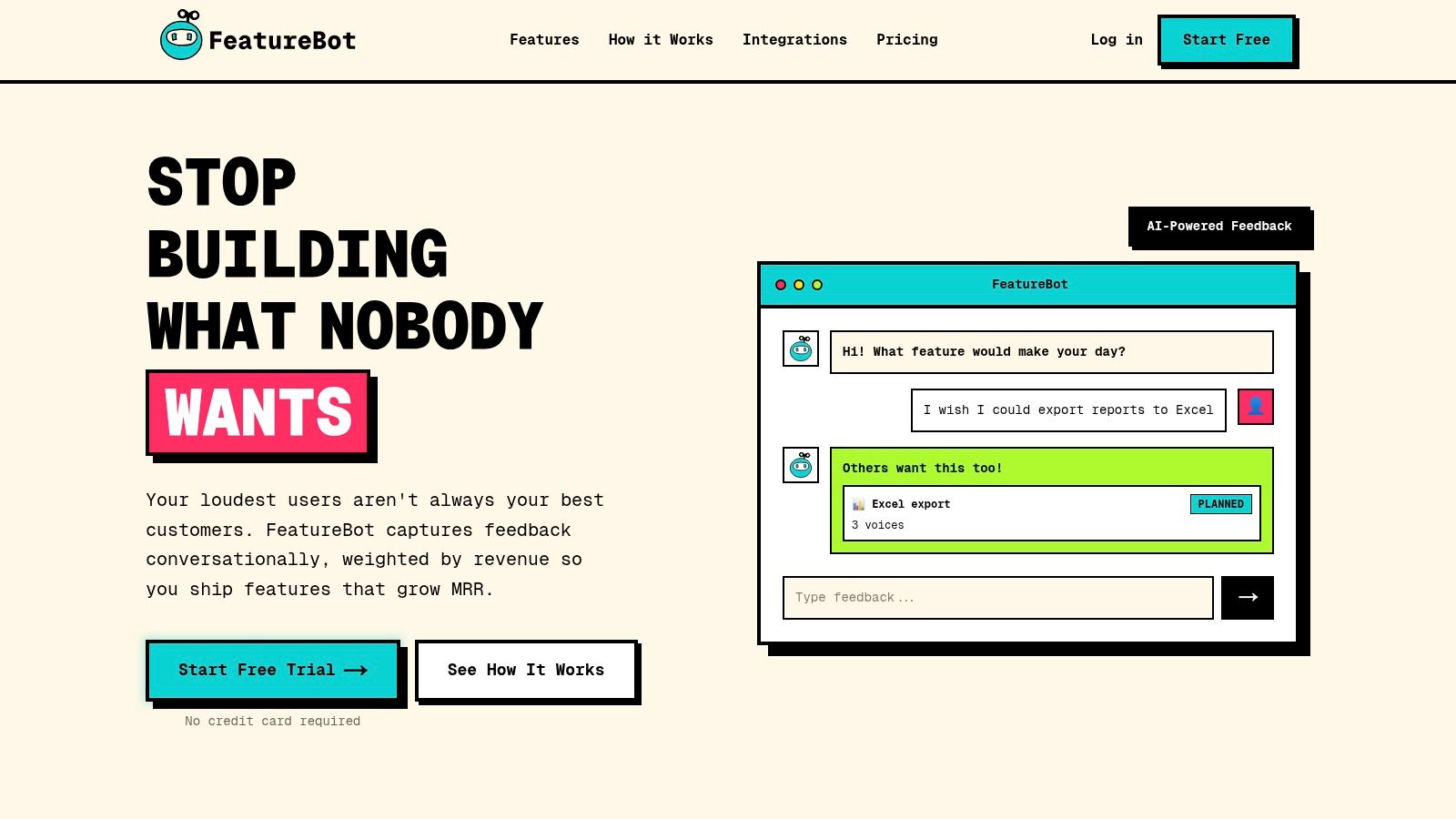
The platform's true power lies in its automated analysis and prioritization capabilities. It automatically captures full user context with every submission, including session data, user journey, and even console errors, providing a complete picture for your product and engineering teams. Similar requests are grouped using semantic clustering, drastically reducing duplicate feedback. Most critically, FeatureBot allows teams to weight feedback by customer revenue (MRR), ensuring that sentiment from high-value accounts is prioritized over simple vote counts. This makes it one of the most effective customer sentiment analysis tools for teams focused on evidence-driven growth.
Key Strengths and Use Cases
- High-Fidelity Feedback Collection: The conversational widget encourages detailed responses, making it ideal for UX researchers and product managers aiming to understand nuanced user sentiment without conducting constant interviews.
- Revenue-Driven Prioritization: By connecting feedback to MRR, SaaS founders and product leaders can confidently build roadmaps that directly impact business goals and customer retention.
- Accelerated Development Cycles: The AI Code Gen feature can turn a planned feature request into a Git branch and pull request, bridging the gap between customer feedback and engineering execution. This is a significant workflow accelerator for engineering teams. You can dive deeper into how FeatureBot enhances feedback analysis on featurebot.com.
- Automated Trend Reporting: Weekly AI digests summarize emerging trends and sentiment shifts, saving teams hours of manual analysis and ensuring key insights are never missed.
Pricing and Access
FeatureBot offers a tiered pricing model designed to scale with your needs. You can begin with a Free plan to explore the core functionality. Paid plans start with Starter ($13/month, billed annually) for early-stage teams, followed by Growth ($21/month) and Scale ($83/month) for larger teams needing more capacity, custom domains, and unlimited voices. A 60-day money-back guarantee provides a risk-free path to adoption.
| Feature | Starter Plan ($13/mo) | Growth Plan ($21/mo) | Scale Plan ($83/mo) |
|---|---|---|---|
| Monthly "Voices" | 100 | 500 | Unlimited |
| Team Members | 1 | 2 | Unlimited |
| AI Code Gen / mo | 3 | 10 | 30 |
| AI Summaries | No | Yes | Yes |
| Remove Branding | No | Yes | Yes |
| Custom Domain | No | Branded Subdomain | Yes |
Pros:
- Conversational AI widget captures high-quality, contextual feedback.
- Revenue-weighting aligns product roadmap with business impact.
- Semantic clustering dramatically reduces manual sorting of duplicate requests.
- Direct GitHub integration with AI Code Gen speeds up development.
Cons:
- Lower-tier plans have limits on monthly voices and team seats.
- Lacks prominent enterprise compliance certifications (e.g., SOC 2) on its website.
2. Qualtrics (Text iQ)
Qualtrics is a powerhouse in the enterprise experience management space, and its Text iQ module brings that same robust capability to text analytics. For product teams already invested in Qualtrics for running NPS, CSAT, or other surveys, Text iQ is the most seamless way to layer in customer sentiment analysis. It natively processes open-ended feedback from those surveys, saving you the hassle of exporting data to a separate tool.
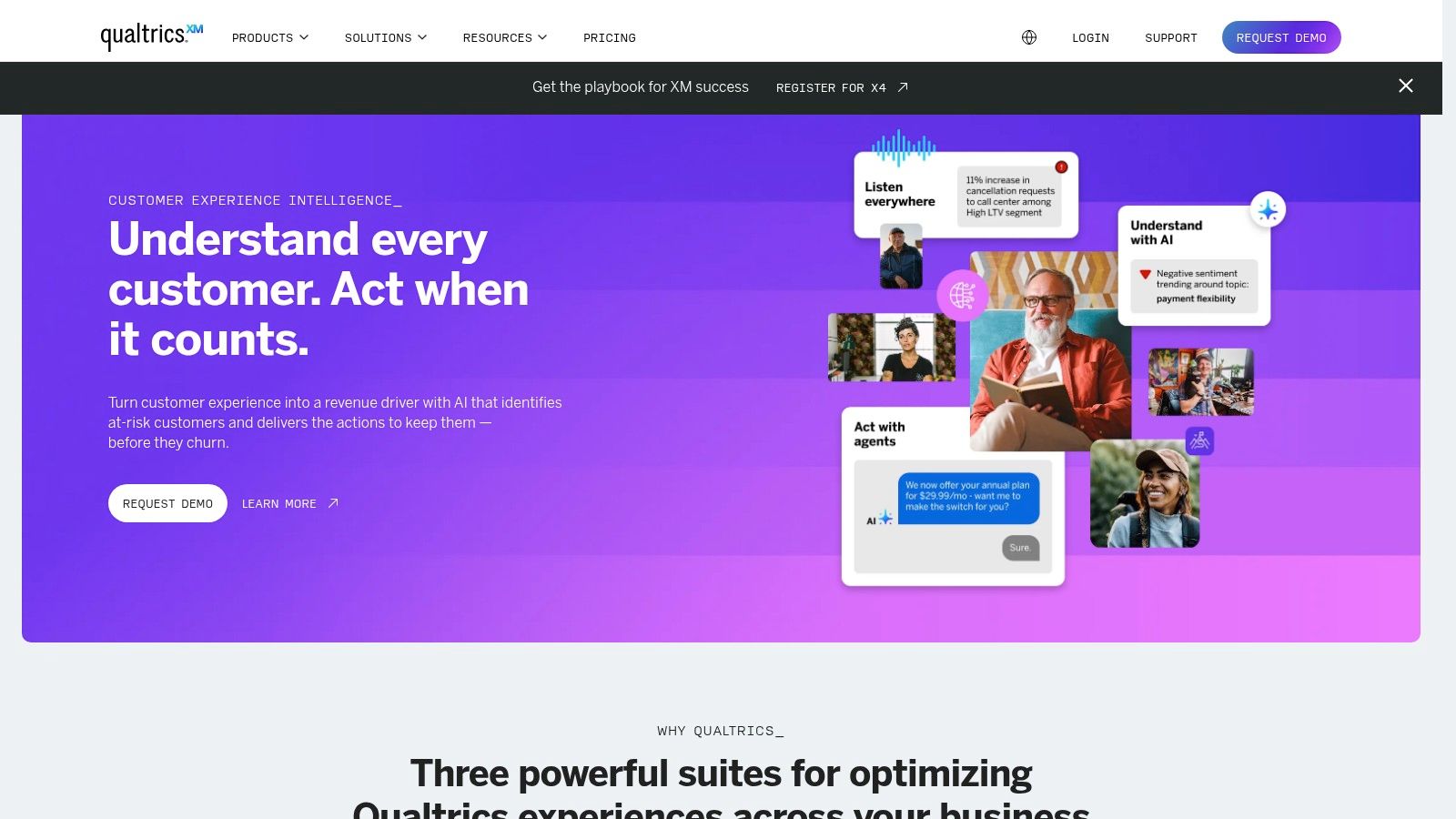
The platform assigns both a descriptive label (from Very Negative to Very Positive) and a numeric score (-2 to +2) to each piece of feedback. A key differentiator is its ability to apply this analysis at the topic level, letting you see not just the overall sentiment but also how customers feel about specific subjects like "pricing" or "onboarding." This makes it one of the more granular customer sentiment analysis tools for teams needing to pinpoint precise areas for improvement.
Key Features & Considerations
Qualtrics stands out with its mature governance features, making it suitable for large organizations with complex user permissions and data access needs. Its multilingual transformer model is optimized for major global languages, providing consistent analysis across different customer segments. For an in-depth look at how it fits into a broader strategy, you can explore more about customer feedback management platforms.
Pros:
- Deep integration with Qualtrics surveys for a unified Voice of the Customer program.
- Mature administrative controls and security for enterprise-level deployment.
- Topic-level sentiment allows for precise, actionable insights.
Cons:
- Sentiment analysis is locked behind "Advanced Text" packages, not standard tiers.
- Opaque, sales-led pricing model with no public price list.
3. Medallia Experience Cloud
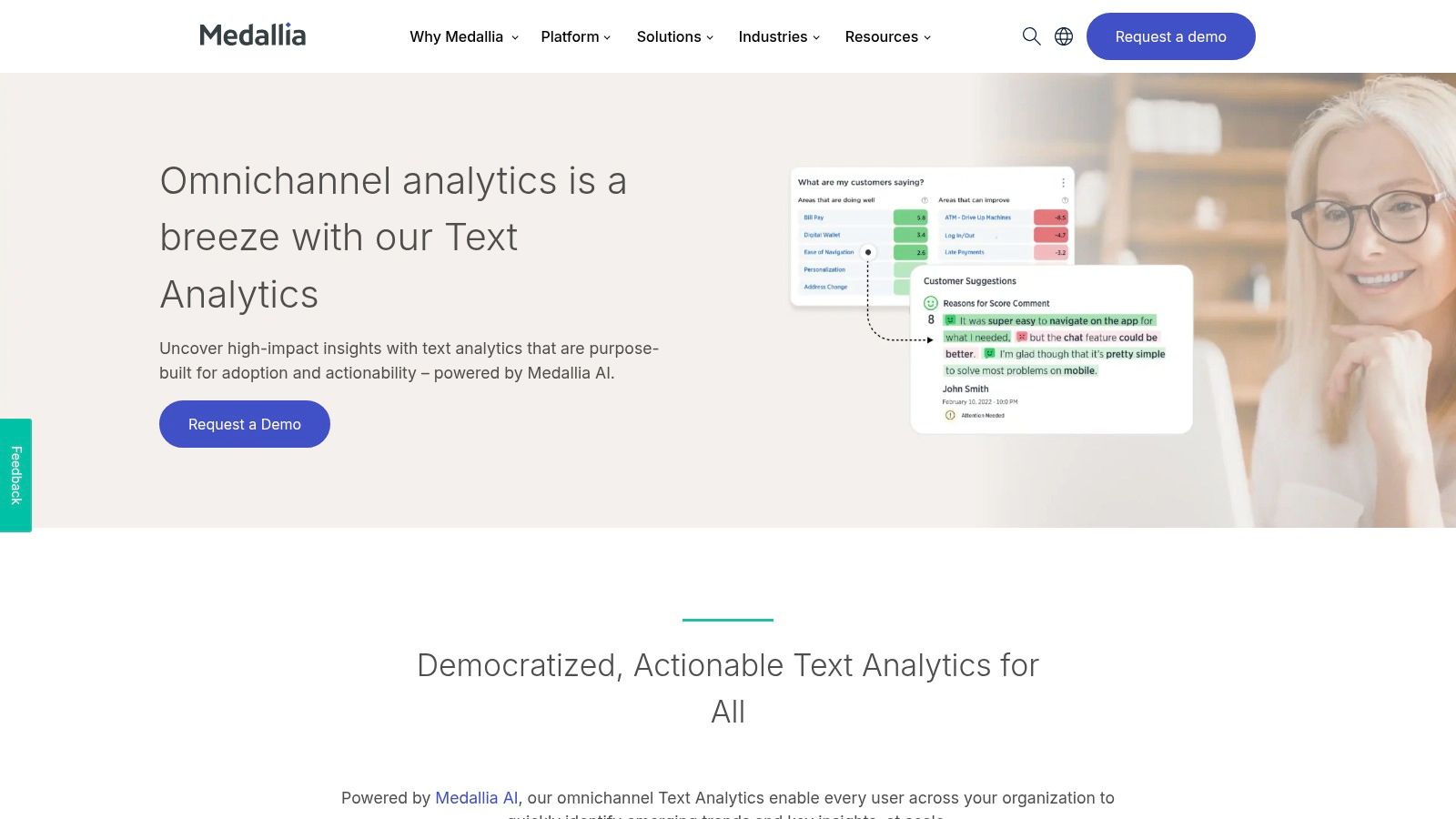
Medallia Experience Cloud is a comprehensive customer experience (CX) platform built for large-scale operations. It excels at unifying feedback signals from a vast array of sources, including surveys, social media, speech, and even video. For enterprises needing to centralize omnichannel feedback, Medallia’s native natural language processing (NLP) provides a powerful, integrated engine for sentiment and text analytics.
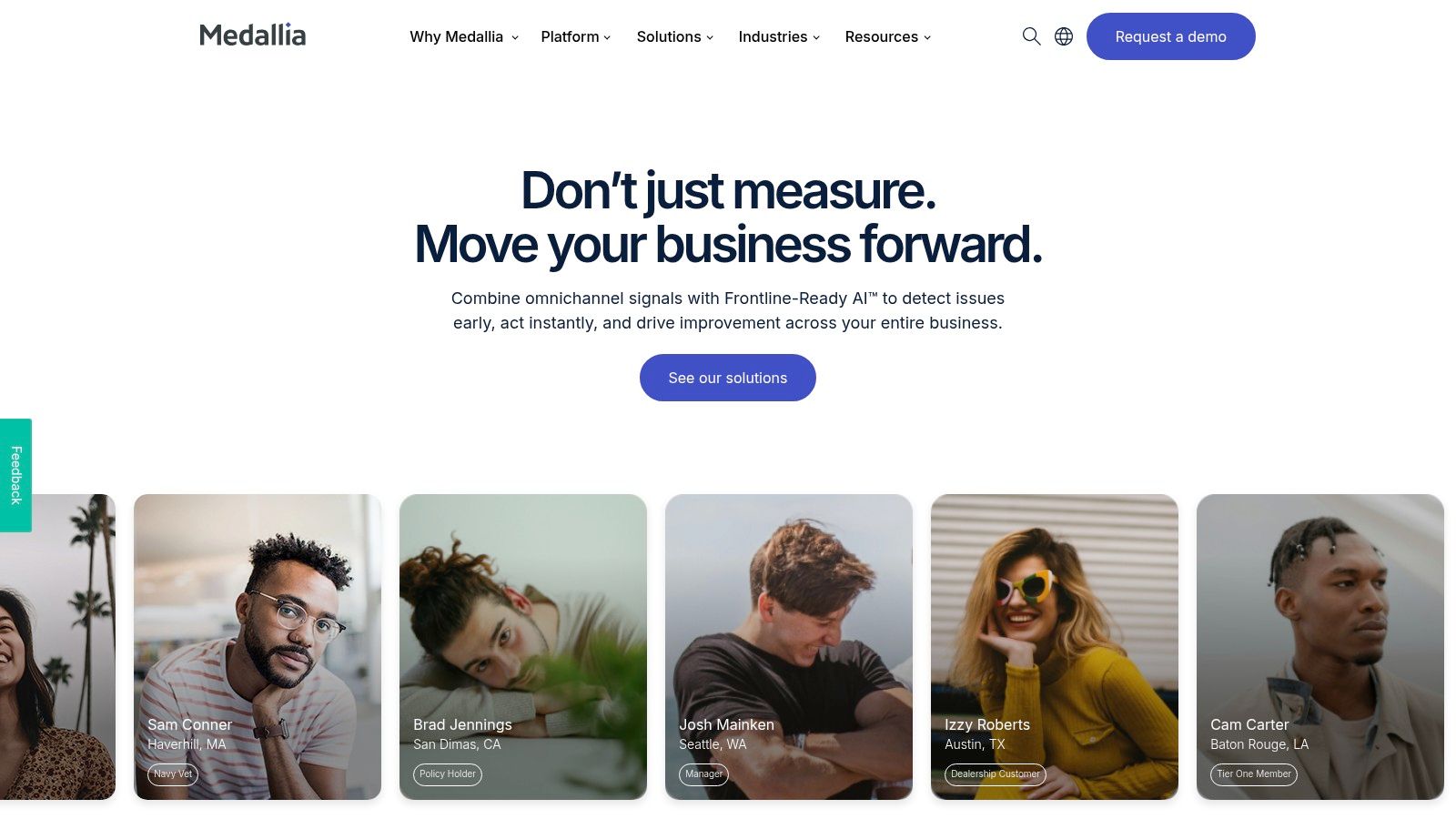
The platform moves beyond basic sentiment scoring by applying analysis across multiple languages and data types, such as video transcripts. Its real strength lies in connecting unstructured feedback to structured operational data within a single environment. This makes Medallia one of the more robust customer sentiment analysis tools for organizations aiming to trigger enterprise-wide workflows, like alerts or case management, directly from customer feedback insights.
Key Features & Considerations
Medallia is designed for deep operational integration, offering mature modules that cater to the complex needs of global organizations. Its ability to analyze sentiment from voice calls and video feedback provides a richer layer of understanding compared to text-only tools. The platform is well-documented and backed by significant support, which is critical for large-scale deployments. You can learn more at medallia.com.
Pros:
- Unified analytics across structured and unstructured data sources (surveys, speech, digital, social).
- Mature enterprise workflows and modules for alerting and case management.
- Strong documentation and professional support materials for complex setups.
Cons:
- Pricing is not transparent and is heavily enterprise-oriented.
- Self-serve access and trials are limited, requiring engagement with a sales team.
4. InMoment (XI Platform) + Lexalytics NLP
InMoment is an established player in the Voice of the Customer (VoC) space, and its XI Platform becomes a heavyweight contender by integrating the powerful NLP engine from Lexalytics. This combination is geared toward enterprises that need both a managed VoC program and deep, customizable text analytics. It’s particularly well-suited for organizations in regulated industries or those with high-volume data needs requiring flexible deployment options.
The platform's strength lies in its adaptability. Through Lexalytics, InMoment offers specialized "Industry Packs," which are pre-trained models tuned for the specific language and context of sectors like finance or healthcare, improving sentiment accuracy out of the box. Beyond sentiment, it provides customizable classification and entity extraction, allowing teams to build sophisticated models that understand their unique business context. This makes it one of the more versatile customer sentiment analysis tools for complex, large-scale operations.
Key Features & Considerations
A key differentiator for InMoment is the ability to deploy its NLP capabilities either in the cloud or on-premise. This is a critical feature for companies with stringent data security or residency requirements that prevent them from using typical SaaS-only solutions. The platform effectively marries high-touch program management with robust, configurable text analytics technology.
Pros:
- Combines comprehensive VoC program expertise with advanced NLP technology.
- Flexible deployment options, including on-premise for data-sensitive environments.
- Industry-specific models enhance sentiment accuracy for specialized vocabularies.
Cons:
- Pricing is quote-based and generally positioned for enterprise budgets, potentially higher than pure API tools.
- The platform's complexity may be overkill for smaller teams needing a simple plug-and-play solution.
5. Sprinklr (Insights / Modern Research)
Sprinklr is an enterprise-grade social listening platform where AI-driven sentiment analysis is a core component of its brand monitoring and research capabilities. Covering over 30 digital channels, including major social networks, blogs, and review sites, it’s designed for teams who need to understand public perception in real-time. This makes it an invaluable tool for brand health tracking, competitive analysis, and crisis detection by analyzing massive volumes of unstructured public conversations.
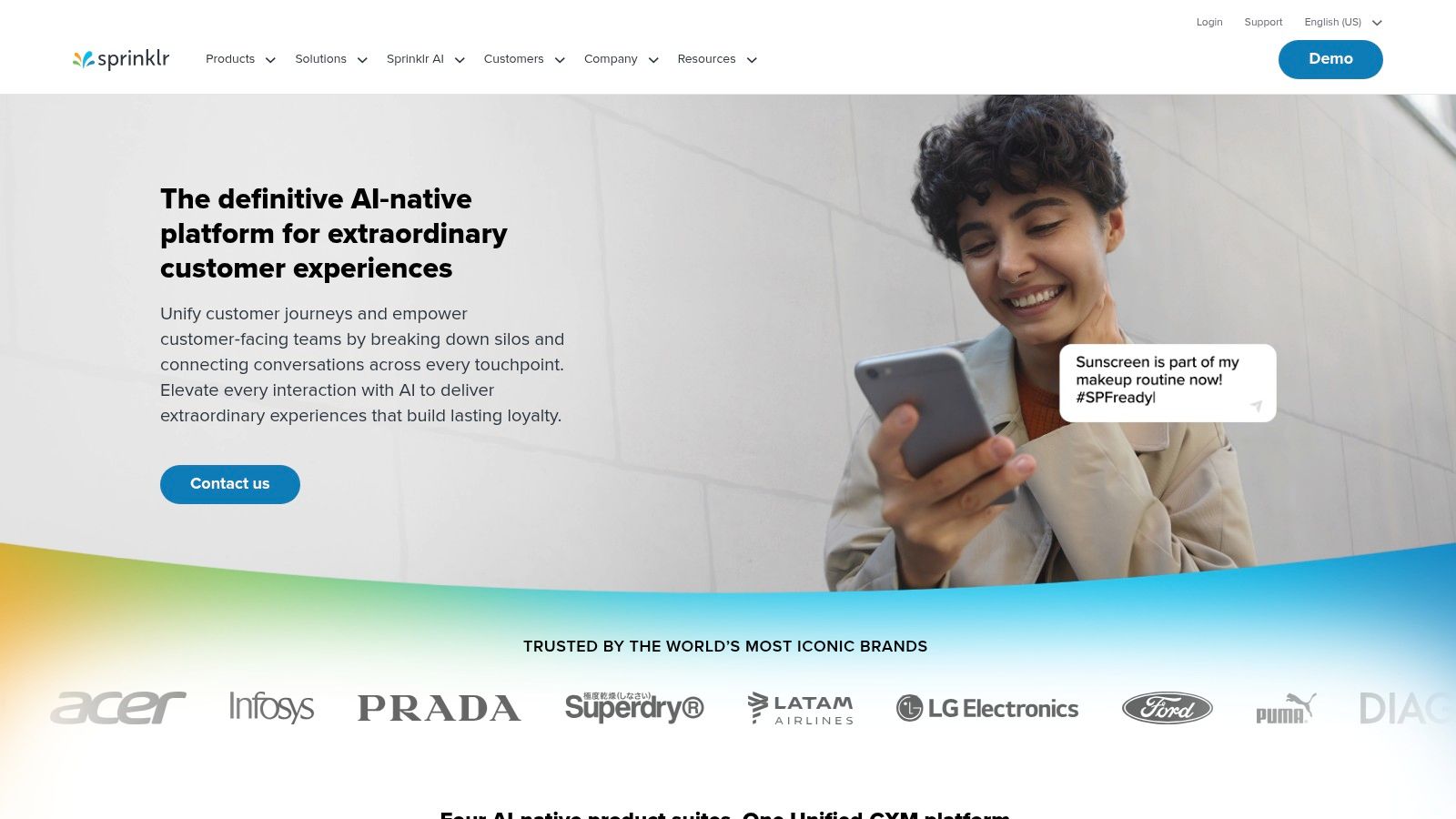
The platform goes beyond simple positive or negative labels, using its AI to extract emotions, entities, and intent from social posts. A key differentiator is its real-time trend detection and anomaly alerting, which can automatically flag spikes in negative sentiment around your brand, a crucial feature for social CX and PR teams. While many enterprise platforms are entirely sales-gated, Sprinklr offers self-serve plans, allowing teams to get started more quickly with one of the most powerful customer sentiment analysis tools for public data.
Key Features & Considerations
Sprinklr's "Firehose" access to major social networks gives it a significant data advantage, providing comprehensive coverage that smaller tools can't match. This makes its analysis particularly robust for large-scale market research or tracking global brand campaigns. The platform is powerful but can come with a steep learning curve due to its extensive feature set and complex UI.
Pros:
- Enterprise-grade social listening speed and coverage at high volumes.
- Self-serve plans available, reducing the barrier to entry for a powerful tool.
- Advanced AI that detects emotions and trends, not just basic sentiment.
Cons:
- The UI can be complex and overwhelming for new users.
- Sentiment accuracy can vary by language and nuanced conversations.
- Advanced enterprise features still require a custom quote and sales process.
6. Brandwatch Consumer Research
Brandwatch is a giant in the consumer intelligence space, focusing primarily on external data from social media, news sites, forums, and blogs. For product teams looking to understand public perception, competitive positioning, or industry trends, it offers a massive repository of data. Rather than analyzing direct feedback from your own surveys, Brandwatch excels at capturing the unsolicited, organic voice of the market, making it ideal for brand health monitoring and market research.
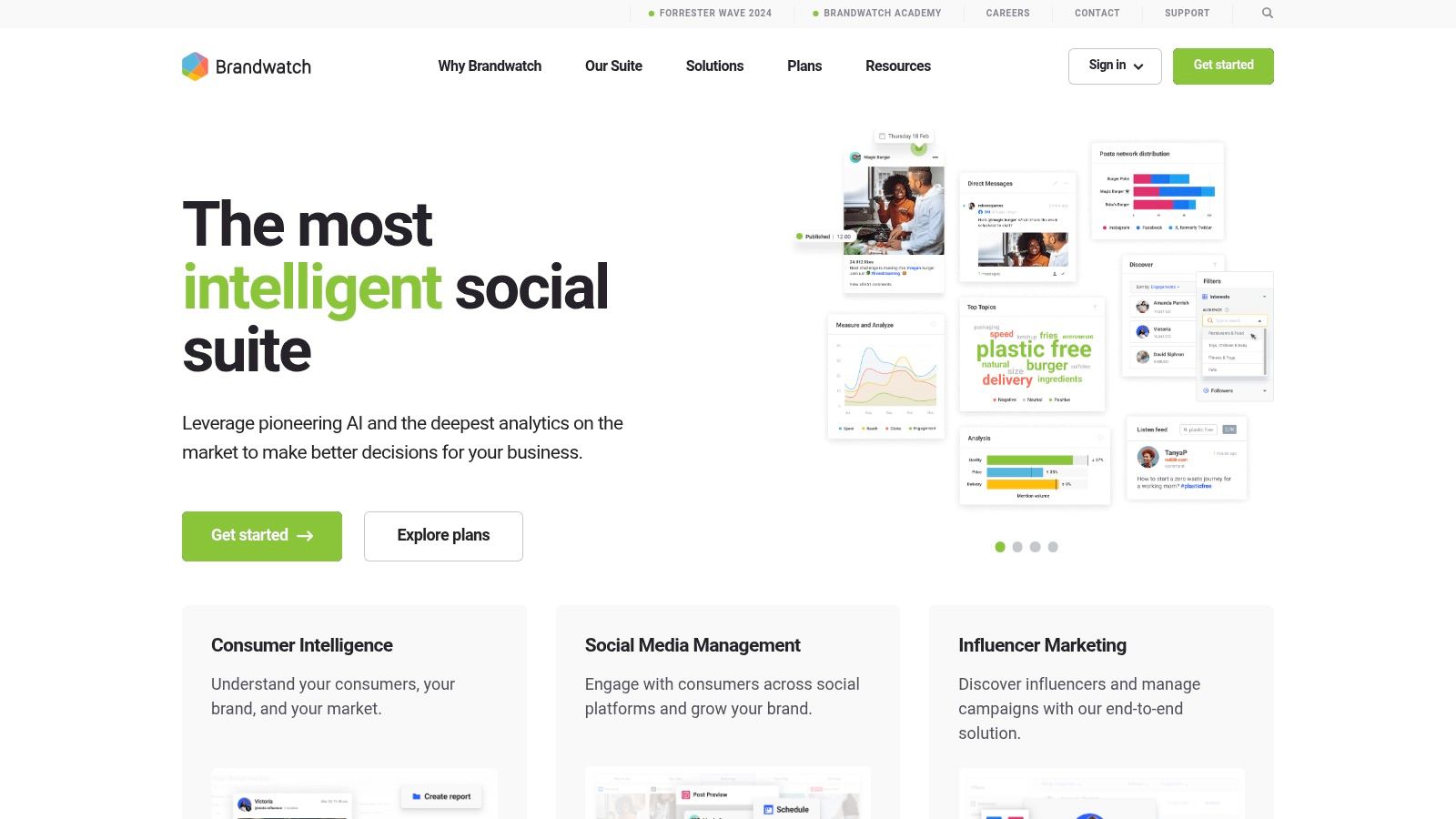
The platform’s strength lies in its scale and historical data archives. Its proprietary models perform auto sentiment classification (Positive, Neutral, Negative) on both the overall document and specific entities mentioned within the text. This allows you to track not just how people feel about your brand, but also how they feel about your key features or competitors in public conversations. For teams needing to benchmark against the market, it’s one of the most powerful customer sentiment analysis tools available.
Key Features & Considerations
Brandwatch stands out with its vast data coverage and robust multilingual support, which is essential for global brands. The platform regularly upgrades its AI models to maintain accuracy in a constantly changing digital landscape. Its training and support resources, including the Brandwatch Academy, help teams get the most out of the complex toolset. You can learn more at https://www.brandwatch.com.
Pros:
- Massive repository of social, news, and forum data with deep historical archives.
- Proven at enterprise scale with frequent model improvements to maintain accuracy.
- Excellent training and support resources for onboarding complex teams.
Cons:
- Pricing is custom and positioned at a premium level, often requiring a substantial budget.
- The purchasing process is sales-led, with no public pricing available.
7. Chattermill
Chattermill is a unified customer feedback analytics platform designed to bring disparate data sources into a single view for product and CX teams. It excels at analyzing a wide range of unstructured feedback, including surveys, support tickets, app reviews, and social media mentions, to surface deep product and customer experience insights. This makes it a powerful choice for teams looking to move beyond survey-only analysis and understand the complete customer journey.
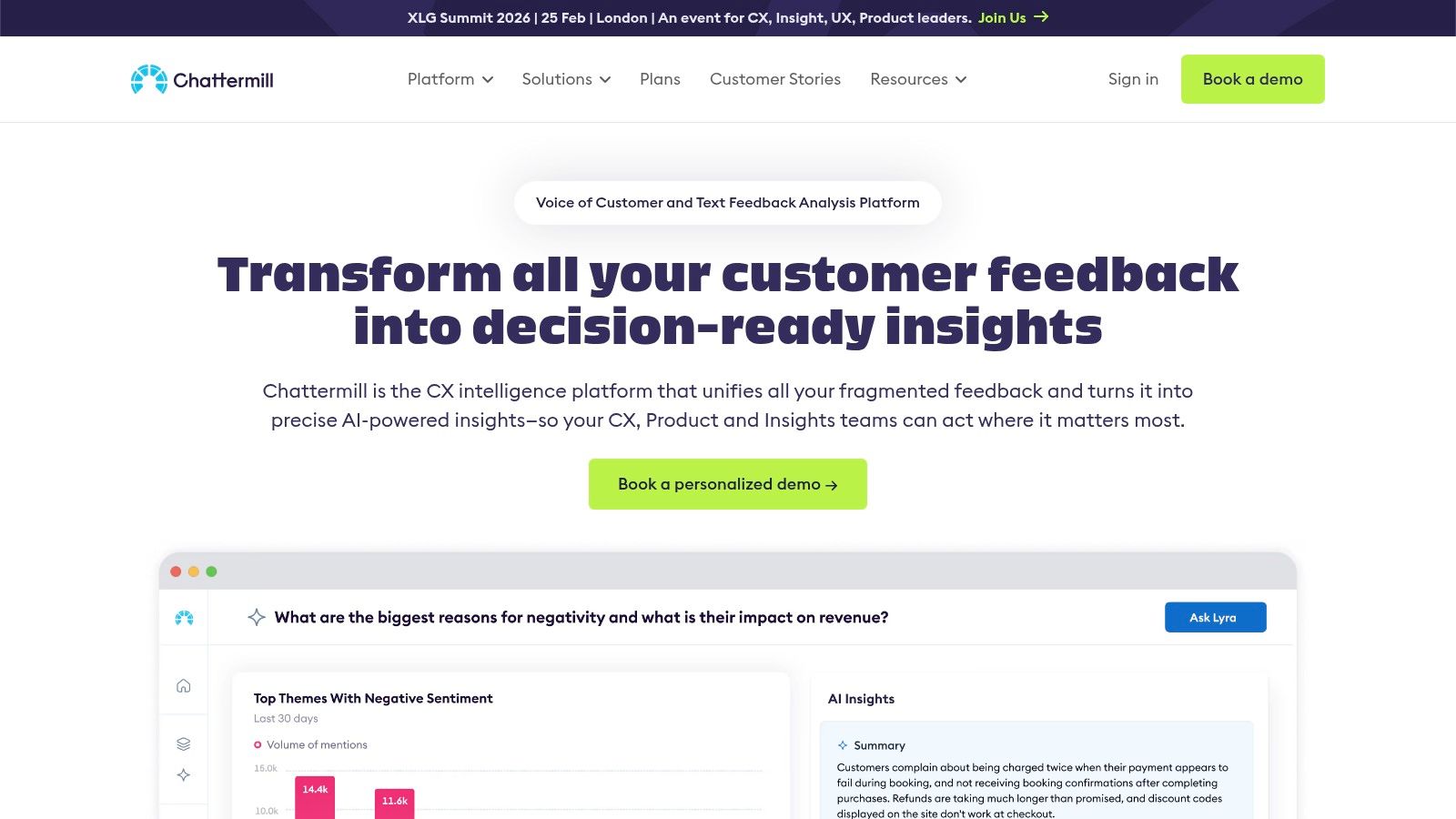
The platform's strength lies in its theme-level sentiment analysis, which can identify multiple sentiments within a single piece of feedback. A customer might express positive sentiment about "customer support" but negative sentiment about "pricing" in the same comment, and Chattermill captures that nuance. It rolls this up into a "Net Sentiment" metric, providing a clear KPI to track over time and link to business outcomes like NPS. This approach makes it one of the more sophisticated customer sentiment analysis tools for understanding complex feedback.
Key Features & Considerations
Chattermill is built for cross-functional collaboration, with many plans offering unlimited user seats so product, support, and marketing can all access insights. Its specialized Social CX module allows teams to monitor social media for sentiment spikes and respond proactively. The platform's powerful data denoising and multilingual analysis ensure that insights are clean and globally relevant, helping teams prioritize the most impactful product improvements.
Pros:
- Purpose-built for unifying disparate feedback sources like support tickets, reviews, and surveys.
- No per-seat limits on many plans, enabling wide cross-functional access to data.
- Dashboards directly link sentiment impact analysis to core metrics like NPS.
Cons:
- Pricing is not public and requires a direct sales inquiry.
- Plan costs are tied to data volume and the number of integrations, which can vary.
8. Siena Insights (formerly Idiomatic)
Siena Insights, which was formerly known as Idiomatic, is an AI-powered feedback analytics platform designed to distill insights from support tickets, surveys, and reviews. It’s built for support and product teams who need to connect customer sentiment directly to operational metrics. The platform moves beyond simple positive or negative labels by tying feedback to business outcomes like cost-to-serve and revenue impact.
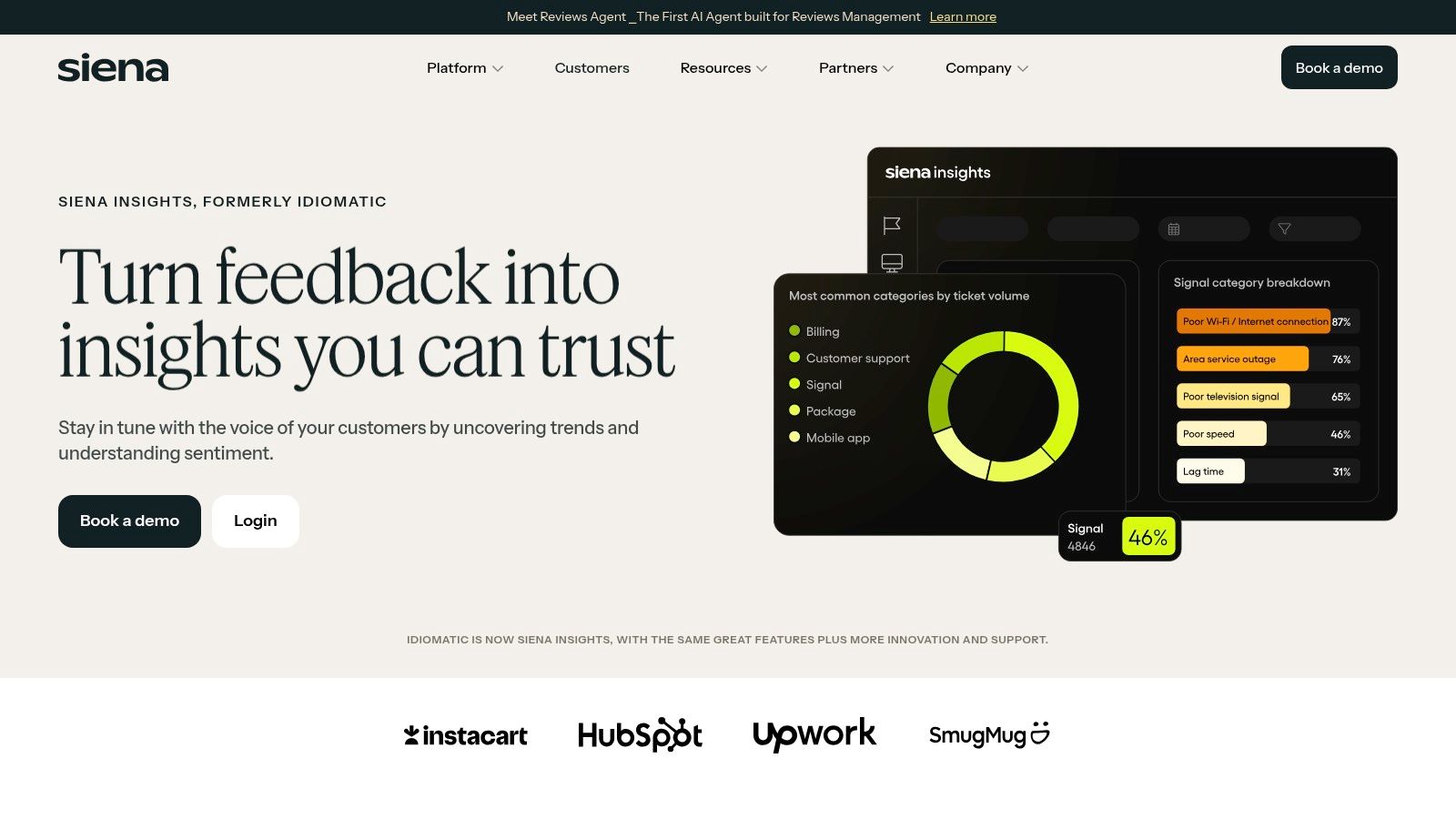
A key differentiator for Siena is its focus on proactive alerting and natural language querying. The platform can detect sudden spikes in feedback volume or sentiment shifts on specific topics and send alerts via Slack, enabling teams to react quickly. Users can also "chat with their data," asking conversational questions to explore feedback without complex dashboards. This makes it one of the more accessible customer sentiment analysis tools for teams that need immediate, actionable answers from their qualitative data.
Key Features & Considerations
Siena Insights stands out with its unlimited seats and data source policy on certain plans, which simplifies scaling for growing teams. Its models are tuned specifically for different channels like support conversations versus app reviews, aiming for higher contextual accuracy. While the official website is demo-led, a "Free" plan is available for teams to get started and evaluate the platform's core capabilities before committing to a paid tier.
Pros:
- Directly links customer feedback to operational metrics like cost-to-serve.
- Proactive spike detection with Slack alerts helps teams identify emerging issues faster.
- Natural language querying makes data exploration accessible to non-analysts.
Cons:
- Official website focuses on booking a demo, with pricing details often found on third-party directories.
- Specific pricing and package terms should be confirmed directly with their sales team.
9. MonkeyLearn
MonkeyLearn positions itself as an accessible, no-code text analysis platform, making it a strong contender for startups and mid-market teams that need custom models without a dedicated data science team. It empowers non-technical users to build and train their own sentiment classifiers and topic extractors through a user-friendly visual interface. This is ideal for product teams looking to quickly create automated workflows for tagging and routing incoming customer feedback from various sources.
The platform shines in its flexibility. You can start with pre-built models or train custom ones on your own data to better understand industry-specific jargon and context. MonkeyLearn then allows you to combine these models into powerful analysis pipelines, visualizing the results in a built-in dashboard or sending the structured data to other tools via its API or integrations like Zapier and Google Sheets. This makes it one of the more versatile customer sentiment analysis tools for teams wanting to prototype and deploy solutions fast.
Key Features & Considerations
MonkeyLearn's key differentiator is its no-code model building, which democratizes machine learning for product and support teams. Instead of a free trial, the platform offers a permanent Free plan, which is useful for testing its capabilities on a small scale before committing. The platform is built for action-oriented analysis, helping teams automatically tag support tickets, route feedback, and detect urgent issues in real time.
Pros:
- Highly accessible for non-developers with a no-code model builder.
- Flexible integrations through Zapier and a direct API for custom workflows.
- Free plan available for initial testing and small-scale projects.
Cons:
- Paid plans can be more expensive than simpler social listening tools.
- Pricing information is not fully transparent and may require contacting sales.
10. Amazon Comprehend (AWS)
For engineering-driven teams building custom data pipelines, Amazon Comprehend offers a powerful, API-first approach to sentiment analysis. As part of the AWS suite, it provides a pay-as-you-go Natural Language Processing (NLP) service that goes beyond basic sentiment. It's an ideal choice for organizations already invested in the AWS ecosystem that need granular control and serverless scalability for processing high volumes of text data.
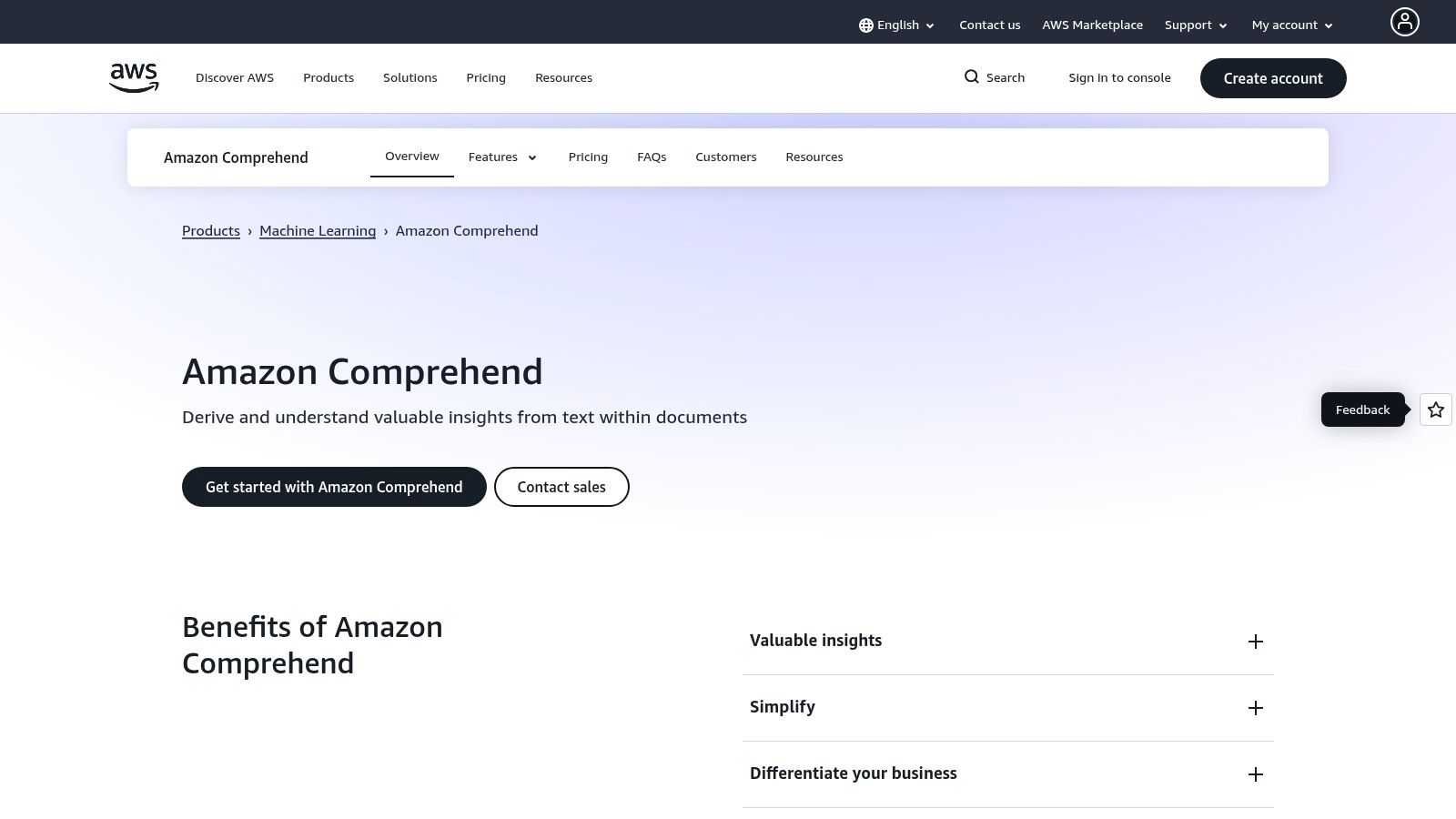
Unlike turnkey platforms, Comprehend is a set of building blocks. It offers both synchronous and batch APIs for not just general sentiment, but also targeted sentiment, which identifies how customers feel about specific entities like your product's name or a particular feature. This makes it one of the most flexible customer sentiment analysis tools for developers wanting to construct a bespoke feedback processing engine from sources like S3 buckets or data streams.
Key Features & Considerations
Comprehend’s strength lies in its deep integration with the AWS stack, allowing teams to trigger analysis with Lambda functions or process large datasets with AWS Glue. This provides immense architectural flexibility but requires significant engineering and MLOps effort to operationalize and visualize results. For teams looking to build such systems, a solid strategy for how to gather customer feedback is the essential first step before implementing a tool like Comprehend.
Pros:
- Highly scalable with granular, usage-based pricing and a generous free tier to start.
- Broad feature set including PII detection, entity extraction, and custom classification.
- Native integration with the AWS data stack (S3, Lambda, Kinesis, etc.).
Cons:
- Requires significant engineering and MLOps resources to build a functional solution.
- Costs for provisioned endpoints and API usage can become complex and need careful monitoring.
11. Google Cloud Natural Language AI
For teams looking to build their own custom solution rather than buy an off-the-shelf platform, Google Cloud's Natural Language AI offers a powerful and accessible API. It provides the raw building blocks for sentiment analysis, entity recognition, and text classification, making it an excellent choice for developers who need to integrate text analytics directly into their products or internal data pipelines. The platform is ideal for prototyping and scaling applications with predictable, usage-based costs.
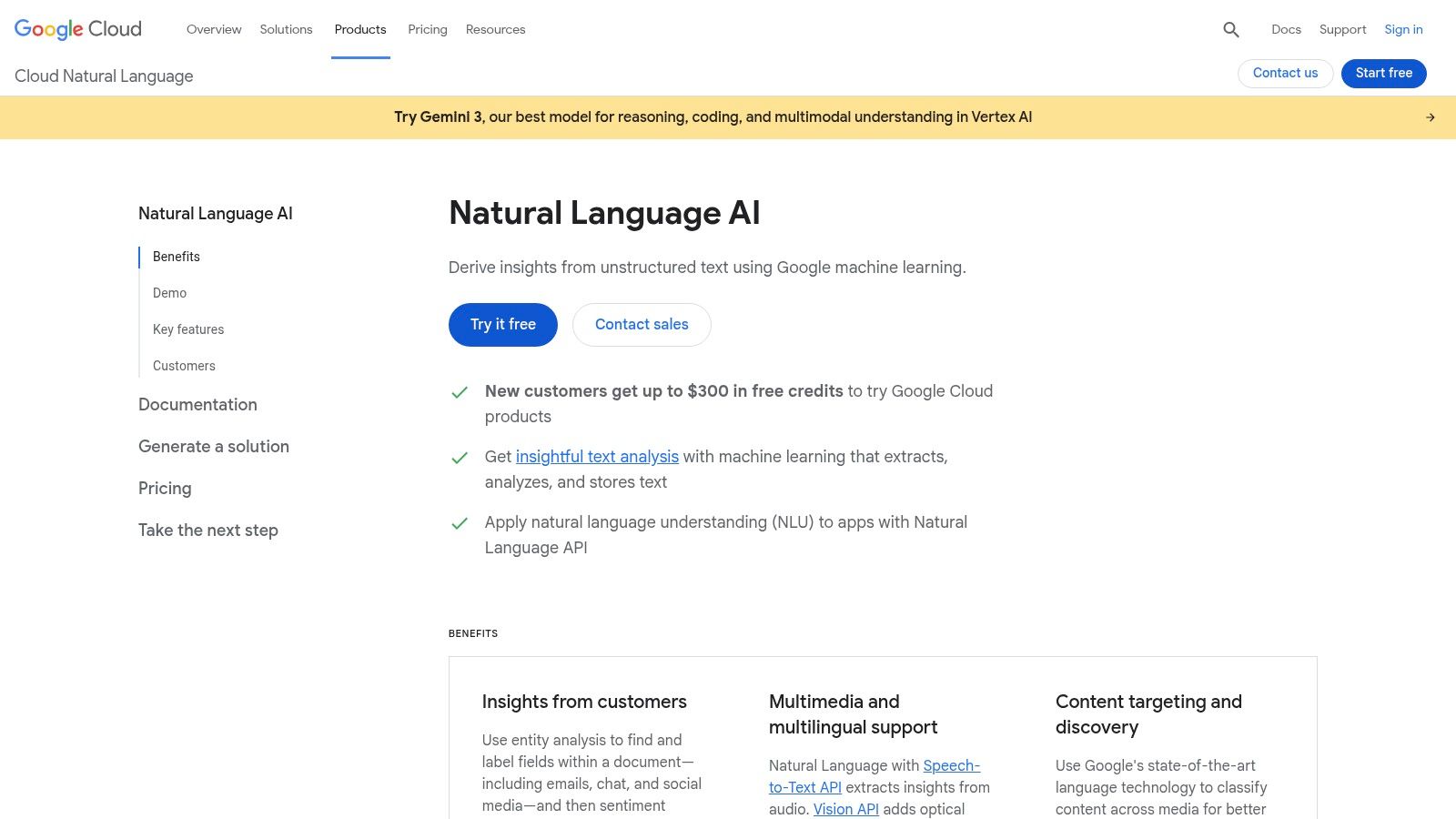
The API returns both document-level and entity-level sentiment scores, allowing you to gauge the overall feeling of a text and the sentiment associated with specific people, products, or concepts mentioned within it. This dual capability makes it one of the more versatile customer sentiment analysis tools for teams that want granular control over their data processing. Its simple REST API and extensive documentation mean engineers can get a proof-of-concept running quickly within the Google Cloud ecosystem.
Key Features & Considerations
Google's pay-as-you-go model, which includes a generous free monthly quota, is a significant advantage for startups and teams managing variable workloads. Its strong multilingual support and easy integration with other Google services like Speech-to-Text and Translation APIs allow for the creation of comprehensive, multi-channel feedback analysis systems. However, it's crucial to remember this is an API, not a complete solution; your team is responsible for building the entire workflow around it.
Pros:
- Transparent, granular pricing with a generous free tier for getting started.
- Fast to integrate with clear, developer-friendly documentation and client libraries.
- Excellent for building custom, predictable data products on a scalable infrastructure.
Cons:
- Requires significant developer resources to build the full Voice of the Customer workflow.
- Costs scale directly with character volume, requiring payload optimization for large datasets.
12. Microsoft Azure AI Language (Text Analytics)
For product teams already operating within the Microsoft ecosystem, Azure's AI Language service provides a powerful, API-first approach to text analytics. Instead of a pre-built dashboard, Azure offers foundational building blocks like sentiment analysis, opinion mining, and key phrase extraction that can be integrated into custom data pipelines. This makes it a highly flexible choice for companies that want to pipe feedback data from various sources into a centralized data warehouse like Azure Synapse before visualization.
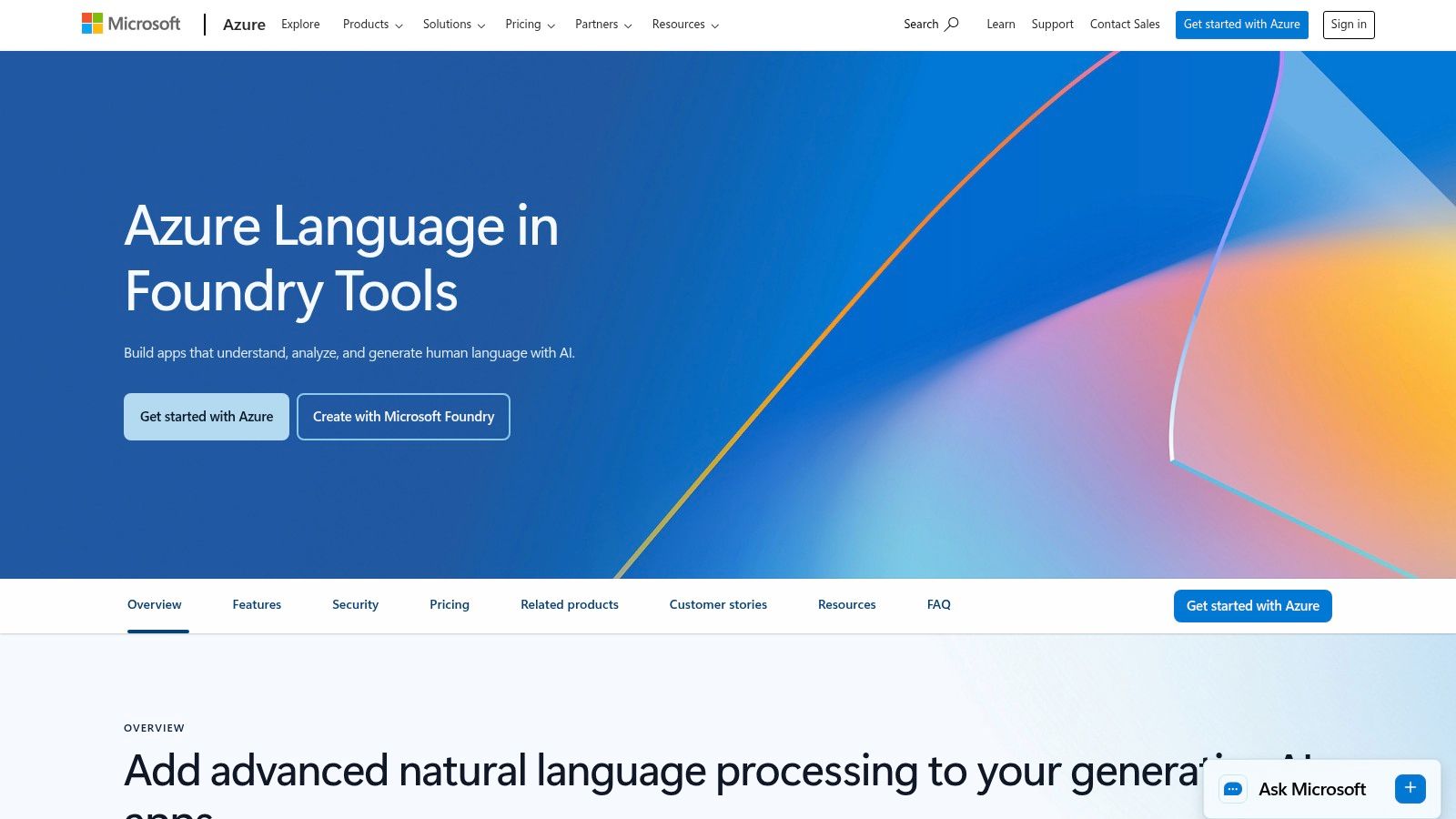
The platform is particularly strong for organizations that prioritize granular control, governance, and predictable costs. Its pay-as-you-go pricing model, which includes a generous free monthly quota of 5,000 text records, allows teams to scale their analysis without committing to a large upfront software contract. The "opinion mining" feature is a key differentiator, as it can extract sentiment associated with specific attributes or features mentioned in text, offering deeper insights than a simple overall score.
Key Features & Considerations
Azure's strength lies in its integration capabilities and enterprise-grade infrastructure. Product teams can use tools like Azure Data Factory to build end-to-end workflows that automatically process feedback from support tickets, app reviews, and surveys. While it requires engineering resources to set up, it provides one of the most customizable customer sentiment analysis tools for technical teams wanting full ownership over their data and analytics stack.
Pros:
- Predictable, per-record pricing with enterprise-level Azure controls and security.
- Easy to combine with other Azure services like Data Factory, Synapse, or OpenAI.
- Region and compliance options meet stringent data governance requirements.
Cons:
- Requires engineering effort to build the end-to-end feedback workflows and dashboards.
- Pricing can vary significantly by region; it's important to confirm details on the US pricing page.
Top 12 Customer Sentiment Analysis Tools Comparison
| Product | Core features | ★ UX / Quality | 💰 Pricing / Value | 👥 Target audience | ✨ Unique selling points |
|---|---|---|---|---|---|
| FeatureBot 🏆 | Conversational widget, AI follow‑ups, semantic clustering, revenue‑weighted signals, full context, GitHub/Slack integrations | ★★★★☆ real‑time dashboard, weekly AI digests | 💰 Free start; Starter $13/mo → Scale $83/mo; 60‑day money‑back | 👥 SaaS founders, PMs, CS, UX, Eng | ✨ Revenue‑weighted prioritization; AI Code Gen → PRs; low‑friction one‑line setup |
| Qualtrics (Text iQ) | Survey + text analytics, topic‑level sentiment, multilingual models | ★★★★☆ enterprise survey UX | 💰 Sales‑led; Text analytics as add‑on | 👥 Enterprises running NPS/CSAT programs | ✨ Deep survey integration; human edit overrides |
| Medallia Experience Cloud | Omnichannel (survey/speech/video), NLP, enterprise workflows | ★★★★☆ unified analytics for CX | 💰 Enterprise pricing; limited self‑serve trials | 👥 Large enterprises, CX ops | ✨ Video transcript sentiment; broad signal coverage |
| InMoment + Lexalytics | VoC program services + on‑prem/cloud NLP, industry‑tuned models | ★★★★☆ strong for regulated data | 💰 Quote‑based; often higher entry | 👥 Regulated industries, high‑volume VoC | ✨ On‑prem NLP option; Industry Packs for accuracy |
| Sprinklr (Insights) | Real‑time social listening, emotion/entity extraction, anomaly detection | ★★★☆☆ high volume speed; UI complexity | 💰 Self‑serve → enterprise quotes | 👥 Brands, social CX, crisis teams | ✨ Firehose access; cross‑channel alerts |
| Brandwatch Consumer Research | Social/news/forums, entity & doc sentiment, large historical archives | ★★★★☆ research‑grade insights | 💰 Custom & premium pricing | 👥 Researchers, brand & competitive teams | ✨ Massive historical data and frequent model updates |
| Chattermill | Unified feedback (surveys, tickets, reviews), theme‑level sentiment, Net Sentiment | ★★★★☆ VOC dashboards linked to impact | 💰 Request pricing; volume/integration based | 👥 Product & CX teams | ✨ Theme sentiment + Net Sentiment metric; many plans no per‑seat limits |
| Siena Insights (Idiomatic) | Ticket/survey/review analytics, spike alerts, cost‑to‑serve, NLQ | ★★★★☆ VOC‑focused, fast setup | 💰 Demo‑led; visible tiers via partners | 👥 Support & product teams | ✨ Chat‑with‑your‑data; revenue/cost linkage for prioritization |
| MonkeyLearn | No‑code classifiers/extractors, visual workflows, dashboards & API | ★★★★☆ very accessible for non‑devs | 💰 Free tier → paid tiers (confirm vendor) | 👥 Startups, mid‑market teams, analysts | ✨ Visual model building; quick prototyping without engineering |
| Amazon Comprehend (AWS) | Sentiment, targeted sentiment, PII detection, entities, custom classification | ★★★☆☆ highly scalable but dev‑heavy | 💰 Pay‑as‑you‑go; free tier | 👥 Engineering teams on AWS | ✨ Serverless scale + tight AWS ecosystem integration |
| Google Cloud Natural Language AI | Document/entity sentiment, classification, syntax, multilingual | ★★★★☆ clear docs & fast integration | 💰 Unit‑based pricing + free quotas | 👥 Developers prototyping → production | ✨ Transparent pricing; easy GCP pairing (Speech/Translate) |
| Microsoft Azure AI Language | Sentiment & opinion mining, NER, PII, key phrases, SDKs/Studio | ★★★★☆ predictable enterprise controls | 💰 Tiered per‑record pricing + free quota | 👥 Teams standardized on Azure | ✨ Enterprise governance, regional/compliance options |
Choosing the Right Tool: From Raw Data to Revenue-Driven Decisions
Navigating the crowded market of customer sentiment analysis tools can feel overwhelming. As we've explored, the landscape is vast, ranging from enterprise-grade Voice of the Customer (VoC) platforms to flexible developer-focused APIs and specialized SaaS solutions. The core takeaway is this: the "best" tool isn't a one-size-fits-all solution. It's the one that aligns precisely with your team's scale, technical resources, and ultimate business objectives.
For large corporations running sophisticated, multi-channel feedback programs, comprehensive platforms like Qualtrics and Medallia offer the governance and scale required for enterprise-level insights. Conversely, teams focused heavily on brand perception and real-time social listening might find purpose-built platforms like Sprinklr or Brandwatch indispensable. If your organization has the engineering talent, the raw power of APIs from AWS, Google, and Azure provides a blank canvas for building completely custom sentiment analysis pipelines.
From Analysis Paralysis to Actionable Insights
The primary pitfall for many teams isn't a lack of data, but a failure to connect that data to meaningful action. A dashboard full of sentiment scores is interesting, but a prioritized product backlog rooted in customer emotion is transformative. This is the crucial gap many modern SaaS companies face. They need more than just analysis; they need a workflow.
This is where a strategic choice becomes paramount. Your selection process should focus on several key factors:
- Integration Depth: Does the tool connect seamlessly with your existing systems like Slack, Linear, Jira, and GitHub? A tool that forces you to change your workflow creates friction and reduces adoption.
- Actionability: Can you move directly from an insight to a task? Look for features that allow you to create tickets, update roadmaps, or trigger notifications without leaving the platform.
- Contextual Understanding: Does the tool go beyond simple positive/negative scores? The ability to identify specific feature requests, bug reports, and UX friction points within feedback is critical for product teams.
- Revenue Impact: Can you connect customer feedback to real business metrics like ARR or customer lifetime value? This elevates sentiment analysis from a "nice-to-have" to a core business strategy driver.
Making Your Final Selection
For product, customer success, and engineering teams in the SaaS space, the ideal customer sentiment analysis tools are those that shorten the distance between feedback and execution. While many platforms excel at social listening, their value diminishes when the goal is product improvement. For those looking to deepen their research into specific platforms, you can further explore various social media sentiment analysis tools and their unique offerings.
Ultimately, the goal is to create a closed-loop system where customer sentiment directly informs your product strategy, prioritizes your development efforts, and validates your roadmap decisions. Choose a tool that doesn't just present data but empowers your team to make smarter, faster, and more customer-centric decisions that drive revenue and retention.
Ready to translate customer feedback directly into actionable product improvements? FeatureBot is a sentiment analysis tool designed for SaaS teams to capture, analyze, and act on insights from sources like Slack and Intercom. Get started with FeatureBot's Free plan today and build a product roadmap your customers will love.
Ready to capture better feedback?
FeatureBot helps you collect, organize, and prioritize user feedback with AI-powered conversations.
Get Started Free